

A YouTube music converter can extract audio from YouTube videos. This article introduces 6 tools, including MiniTool Video Converter, 4K YouTube to MP3, MediaHuman YouTube to MP3 Converter, yt-dlp, YTMP3, and viddown.net, for different needs. The basic steps include pasting the URL, selecting the output audio format, and then clicking the Download option.
As one of the world’s most popular social media platforms, YouTube hosts a vast library of video content, much of which consists of music, that users can watch directly on the site. However, this format is less than ideal when I only want to listen to the audio.
Consequently, I looked into ways to extract the audio from these YouTube music videos for offline listening. I discovered that the following six YouTube music converters make it easy to save such audio for offline enjoyment:
- MiniTool Video Converter
- 4K YouTube to MP3
- MediaHuman YouTube to MP3 Converter
- yt-dlp
- YTMP3
- viddown.net
Quick Comparison:
| Tool | Free to Use | Audio Quality Options | Batch Processing | Installation Required |
| MiniTool Video Converter | Yes | Yes | Yes | Yes |
| 4K YouTube to MP3 | Free/Paid | Yes | Yes | Yes |
| MediaHuman YouTube to MP3 Converter | Yes | Yes | Yes | Yes |
| yt-dlp | Yes | Yes | Yes | Yes |
| YTMP3 | Yes | Yes | No | No |
| viddown.net | Yes | Yes | No | No |
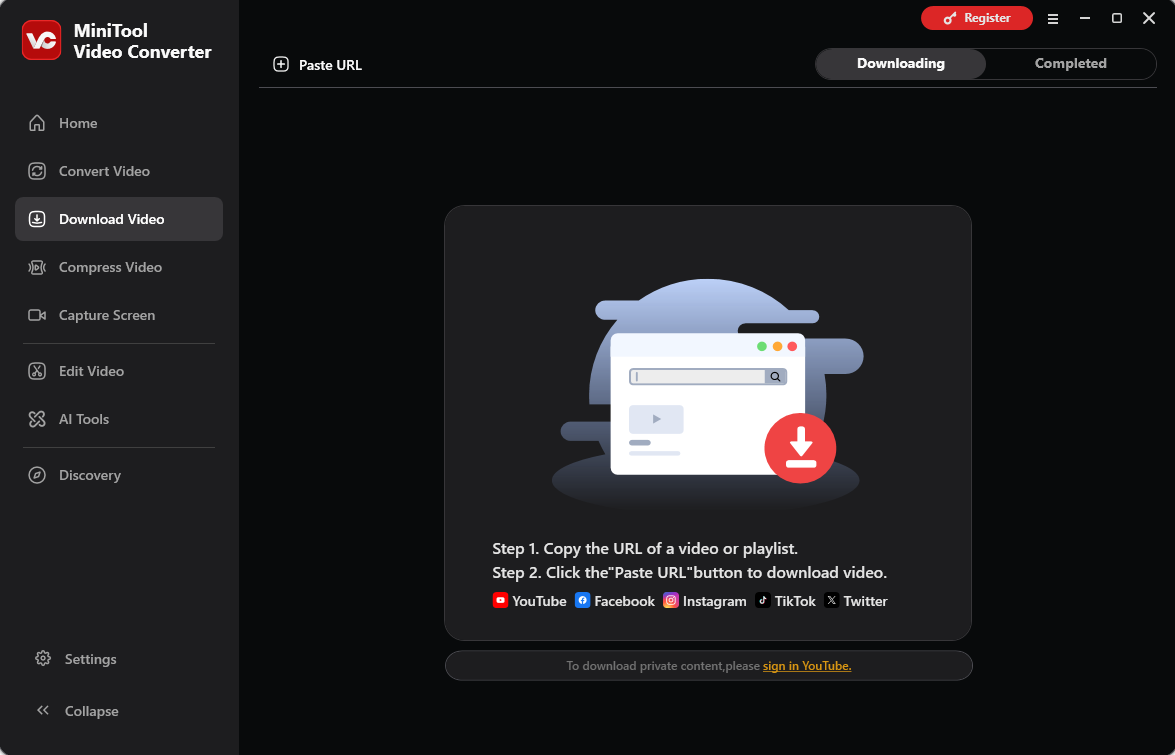
#1 MiniTool Video Converter
Plus, the YT downloader works efficiently, allowing for high-resolution video or audio-only extraction. This accessibility ensures that even novice users can navigate the various multimedia tools without facing a steep learning curve.https://download.cnet.com/minitool-video-converter/3000-2194_4-78586767.html
MiniTool Video Converter functions as both a YouTube to MP3 converter and a YouTube to WAV converter, allowing me to convert YouTube music videos into audio format with a single click. Beyond that, the tool enables me to save videos directly from YT, as well as from platforms like Instagram, TikTok, Facebook, and Twitter.
What I appreciate most is its ability to handle up to 10 download tasks simultaneously, which significantly boosts efficiency. Furthermore, MiniTool Video Converter is an excellent choice for extracting subtitles from YouTube videos; I can easily save subtitles alongside the audio or video files.
Additionally, none of the saved audio or video files contain watermarks. In short, for users who prefer applications with a clean, straightforward interface, MiniTool Video Converter is a great option.
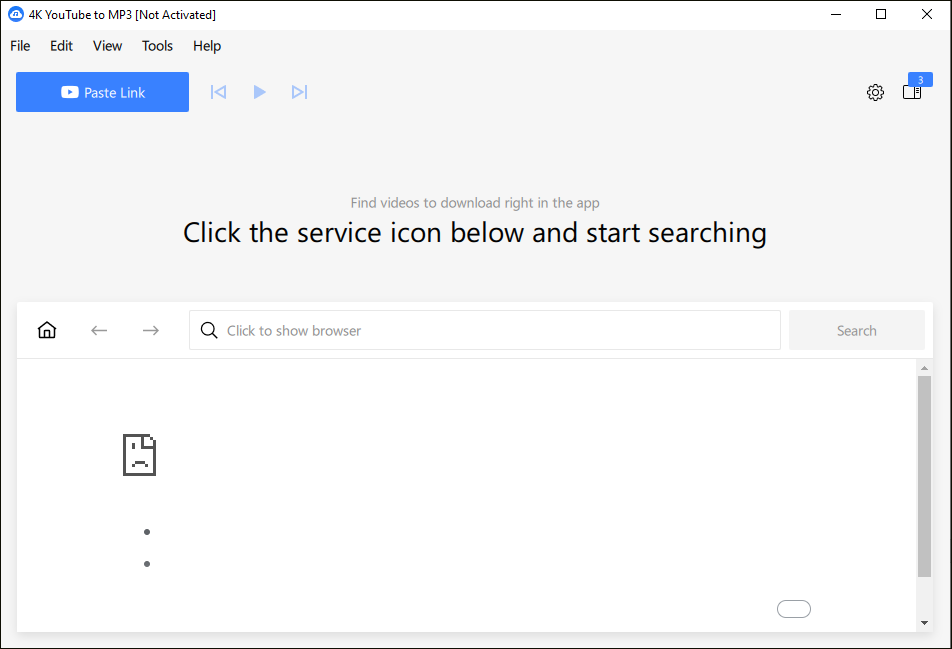
#2 4K YouTube to MP3
Save audio quickly and easily. Just paste the link into the application or search what you want to download in the built-in browser. Enjoy listening to music, audiobooks, podcasts and other audio content offline on all desktop and mobile devices.https://sourceforge.net/software/product/4K-YouTube-to-MP3/
4K YouTube to MP3 is a YouTube audio extractor, developed by Open Media. Unlike MiniTool Video Converter, this tool focuses specifically on saving audio from multimedia platforms. In my testing, I found that I could save audio from YT either by using a direct link or by searching for keywords within the software’s search bar.
Furthermore, the tool allows for saving audio from TikTok, Vimeo, Twitch, and SoundCloud. Beyond that, 4K YouTube to MP3 can save YT music videos not only as MP3 files but also in M4A and OGG formats. Additionally, users with an upgraded version can save entire playlists with a single click.
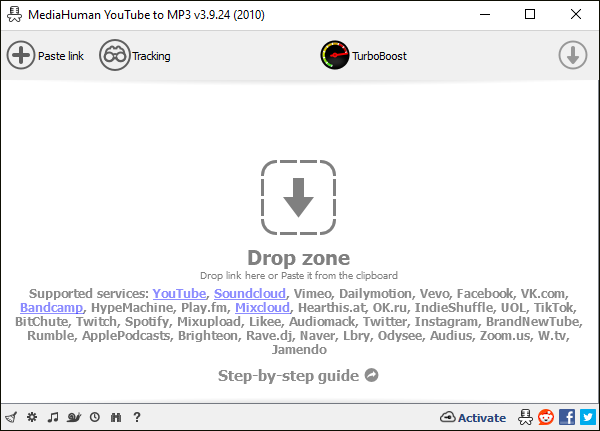
#3 MediaHuman YouTube to MP3 Converter
I used Media Human's YT to mp3 converter tool and was it ever a breeze! Fantastic product, and no doubt a great company. I can't believe how much you can do with their products for free.https://www.trustpilot.com/review/www.mediahuman.com
In my view, MediaHuman YouTube to MP3 Converter is an exceptionally powerful, free YouTube music converter. Its most notable feature is the ability to download YT audio in a lossless format, saving it as M4A or AAC files. Furthermore, when handling long-form audio, spanning several hours, the software can automatically detect timestamps and split the content into individual segments.
Better yet, I’ve found that MediaHuman YouTube to MP3 Converter offers a high degree of automation. For instance, it includes a subscription feature for YouTube channels; once I subscribe to a channel, the software automatically downloads any new audio content posted by the creator in the background. Consequently, this tool is an excellent choice for boosting productivity.

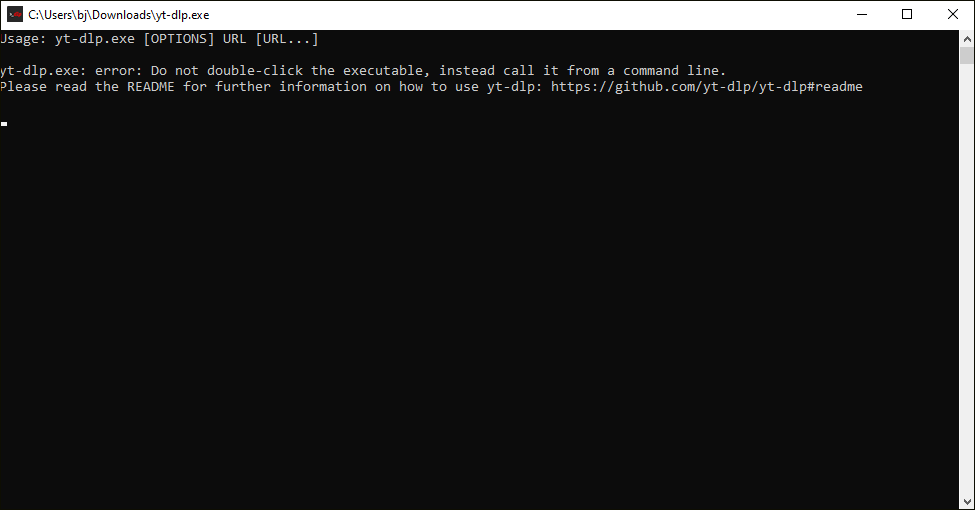
#4 yt-dlp
YT-DLP Web Player makes the most sense for anyone who appreciates what yt-dlp is capable of but would rather not start every casual download or viewing session by typing commands at the terminal. It still asks for a bit of setup, occasional maintenance, and some patience whenever a website changes its behavior. Once the container is up and running, though, most of that complexity fades into the background. . https://www.makeuseof.com/yt-dlp-is-powerful-but-this-upgrade-makes-it-a-joy-to-use/
Unlike the three tools mentioned earlier, yt-dlp is a completely free, open-source streaming media downloader. As it is entirely command-line driven, it has a steeper learning curve; however, given its powerful capabilities, I believe it is well worth trying. When downloading audio from YT, yt-dlp preserves the original audio quality without any re-compression, ensuring both fast download speeds and high-fidelity sound.
What’s more, when saving music, the tool automatically identifies YouTube metadata such as the title, description, and release date, it can even save the video thumbnail as the audio’s cover art, which greatly simplifies the process of organizing your media library. Most notably, yt-dlp can also automatically split long-form audio into segments based on a timeline before saving the files.
#5 YTMP3
Using a YouTube to MP3 converter like Ytmp3 offers several advantages. Firstly, it allows users to enjoy their favorite YouTube content in audio format, making it convenient for those who prefer listening to music or podcasts on the go. https://blogs.umb.edu/stephanienichols/2023/12/04/ytmp3-reviews-2024-best-youtube-to-mp3-converter-in-the-world/
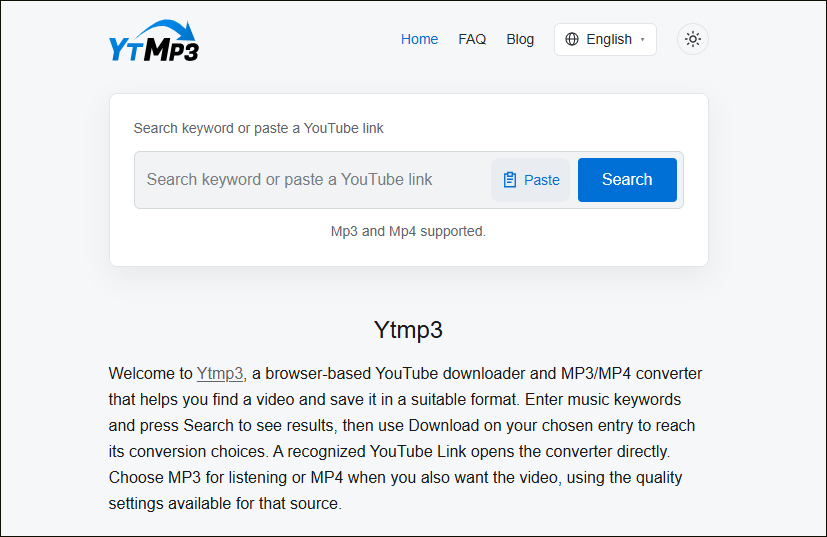
YTMP3 is a lightweight, web-based YouTube music converter. I chose this tool because it requires no downloads or installations, allowing me to use it quickly across my computer, tablet, and mobile phone.
This online tool is also very simple to operate: users can either paste a link to a YouTube music video to save the audio, or enter keywords into the site’s search box to find and save the corresponding YT audio. Furthermore, YTMP3 is completely free and can be used an unlimited number of times, though it should be noted that the audio quality of the saved files is not the highest.
#6 viddown.net
We reviewed viddown.net and found mostly positive signals. Current checks lean toward a legitimate, lower-risk profile, although a few caution points still keep it short of a fully verified standing.https://gridinsoft.com/online-virus-scanner/url/viddown-net
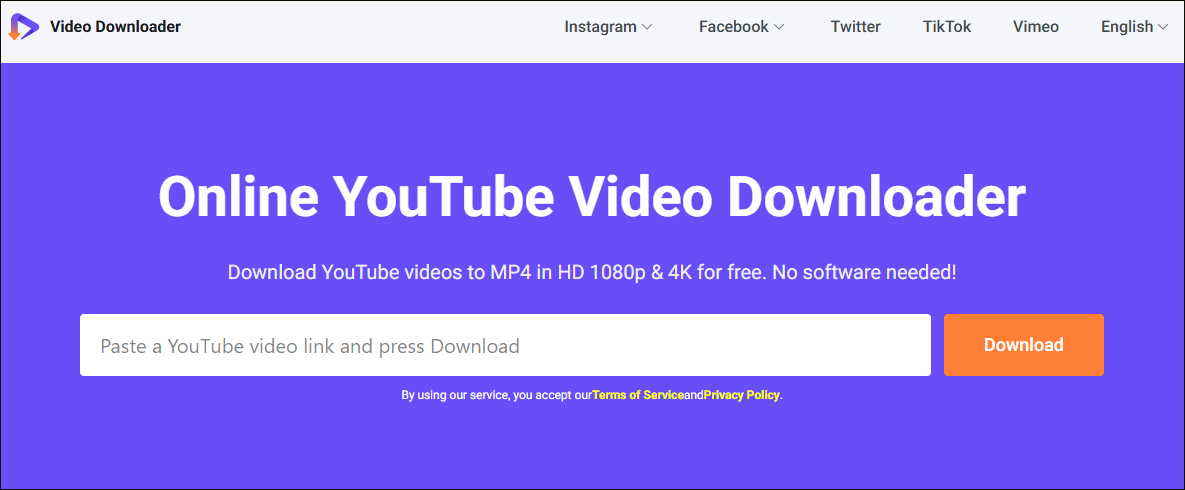
viddown.net is an online tool for converting YT videos into audio. It works across various platforms, including mobile phones, computers, and tablets, and is compatible with all major web browsers, such as Safari, Chrome, and Firefox.
The site features a simple, user-friendly interface that makes it easy to get started right away. Beyond saving audio from YT, viddown.net also allows me to download videos from platforms like YT, TikTok, Twitter, Facebook, Vimeo, and Instagram. Furthermore, I’ve found that this tool even lets me save YouTube video thumbnails when saving audio.
How to Use a YouTube Music Converter
Fast Track Steps:
- Copy the YouTube video link
- Paste the video link into the YouTube music converter
- Analyze the video link
- Check the converted audio file
While the specific steps for converting YT music videos to audio vary depending on the tool, the general process usually includes: copying the video link, pasting it into the converter, selecting the output format, and then starting the download. The following example uses MiniTool Video Converter to demonstrate how to convert YouTube music videos to audio.
Here are the detailed steps on how to convert YouTube video to audio file with MiniTool Video Converter.
 MiniTool Video Converter
-
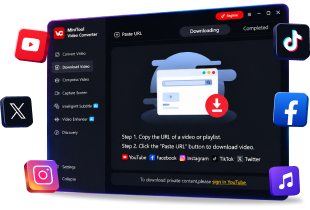
 Download YT videos for offline playback.
- Save Instagram Reels to watch privately.
- Get online TikTok clips for remake or combination.
- Download Facebook and X videos easily.
1. Download and install MiniTool Video Converter
Click the button above to download and install MiniTool Video Converter.
2. Copy the YouTube music video link
Go to YouTube and find the music video you want to convert to an audio file. Then, copy the URL from the address bar.
3. Analyze the YouTube music video link
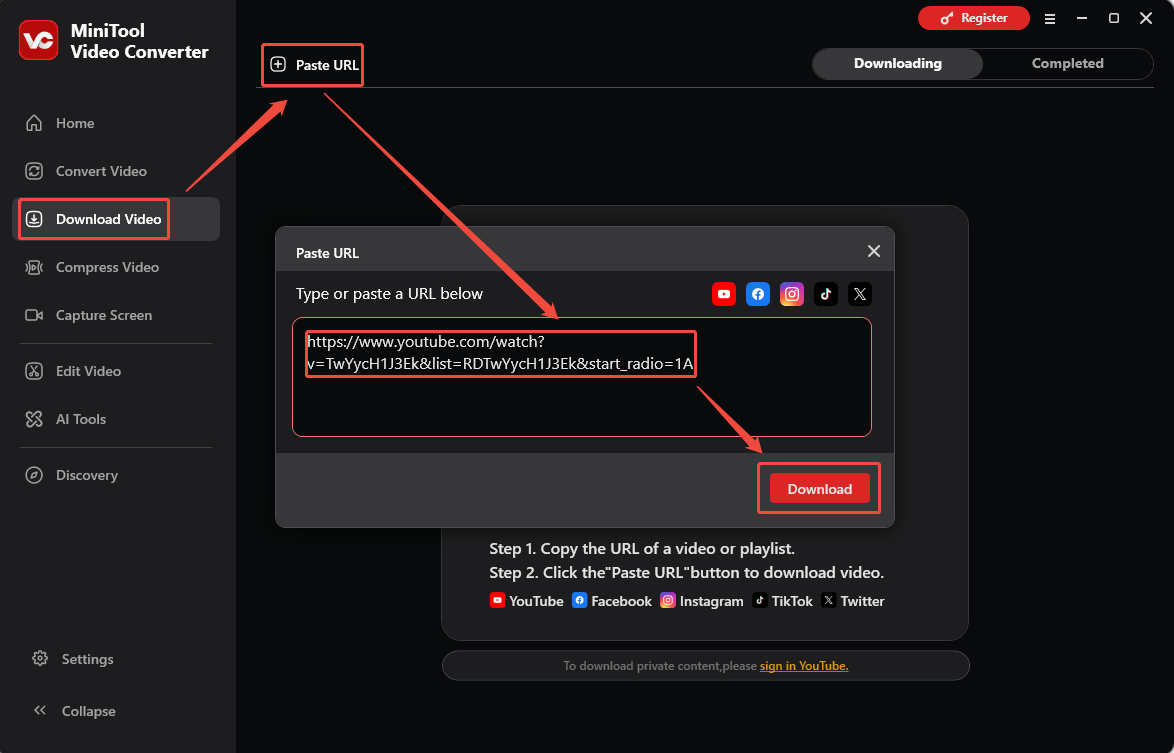
Launch MiniTool Video Converter and navigate to the Download Video section. Then, click the Paste URL option and paste the YouTube music video link into the box. Next, click the Download option to analyze it.
4. Convert the YouTube music video to audio
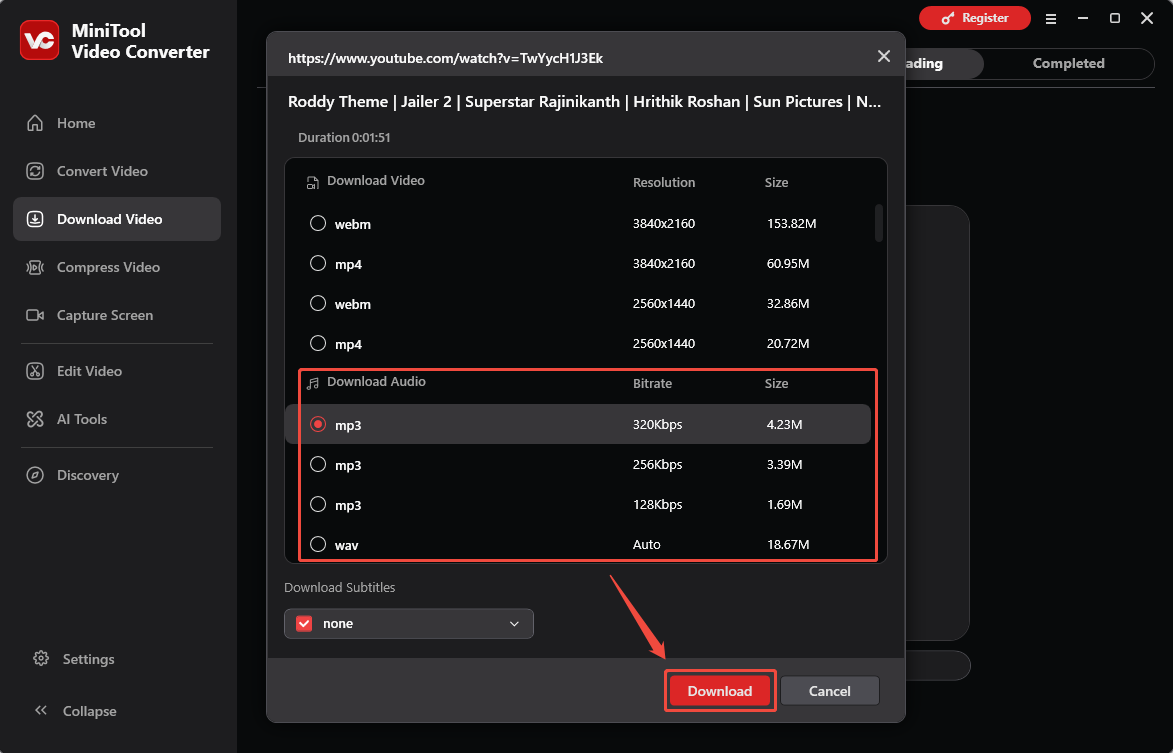
In the new interface, choose an audio file under the Download Audio section. Then, click the Download option to begin the downloading process.
5. Check the downloaded YT audio
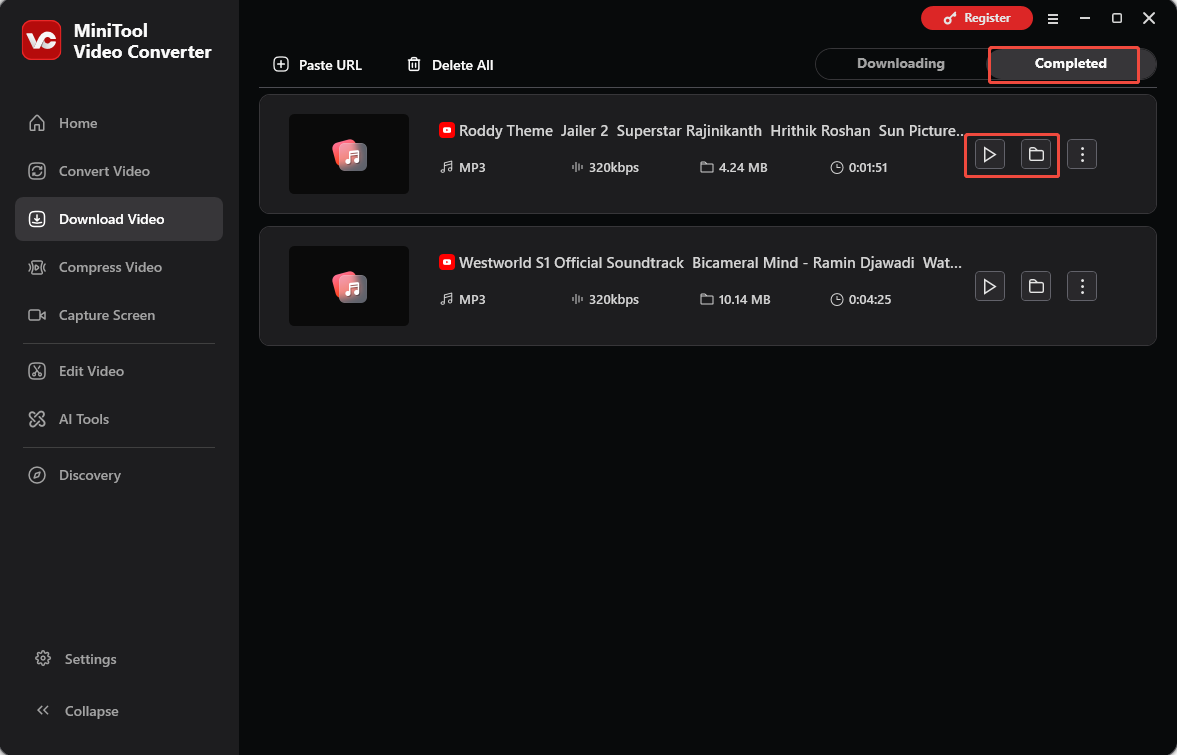
When the downloads end, the tool will automatically switch to the Completed tab. Then, click the Play icon to listen to the downloaded YT audio or click the Folder icon to locate it on the computer.

Conclusion
This article introduces 6 distinct YouTube music converters, ranging from comprehensive desktop software to convenient online tools. By exploring and comparing their features, you can select the one that best suits your specific needs.
If you encounter problems while using MiniTool Video Converter, please send an email to support@minitool.com for assistance.
People Also Ask
About The Author

Position: Columnist
Jade is an experienced multimedia tech writer who has authored hundreds of guides on screen recording, video editing, and software troubleshooting. Dedicated to bridging the gap between complex technical concepts and user-friendly solutions, she specializes in providing clear, actionable advice.