

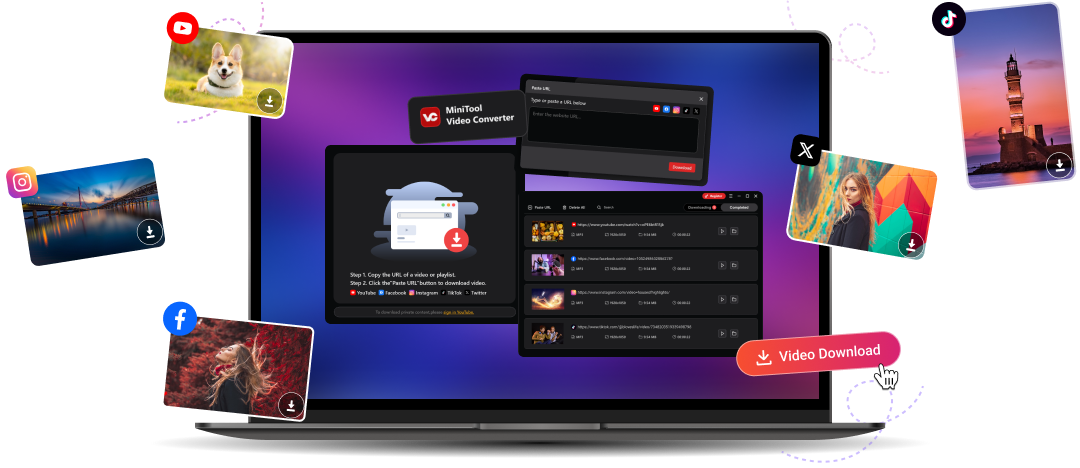
Flexible YT Video Download
Conveniently save YT as MP4, WebM, MP3, or WAV. MiniTool Video Converter empowers you to download regular YT videos/audio, playlists, Shorts, and subtitles.
See how to download YT videos >>Download Facebook Video HD
Download Facebook videos, audio, and reels in high quality. MiniTool Video Converter analyzes the source video and extracts its original quality for you.
See how to download Facebook videos >>Diverse Instagram Video Download
No matter it is a video, audio, reel, story, or playlist, MiniTool Video Converter can help you easily get what you want. It saves highlights to your computer for later playback.
See how to download Instagram videos >>Download TikTok No Watermark
Directly take TikTok videos offline without any watermark or logo. Just enjoy your favorite masterpieces and experience an immersive, uninterrupted watching.
See how to download TikTok videos >>Quick Twitter Link Download
Download videos from Twitter (now X) in minutes. Hardware acceleration and fast downloading speed can save the target clips as quickly as possible.
See how to download Twitter videos >>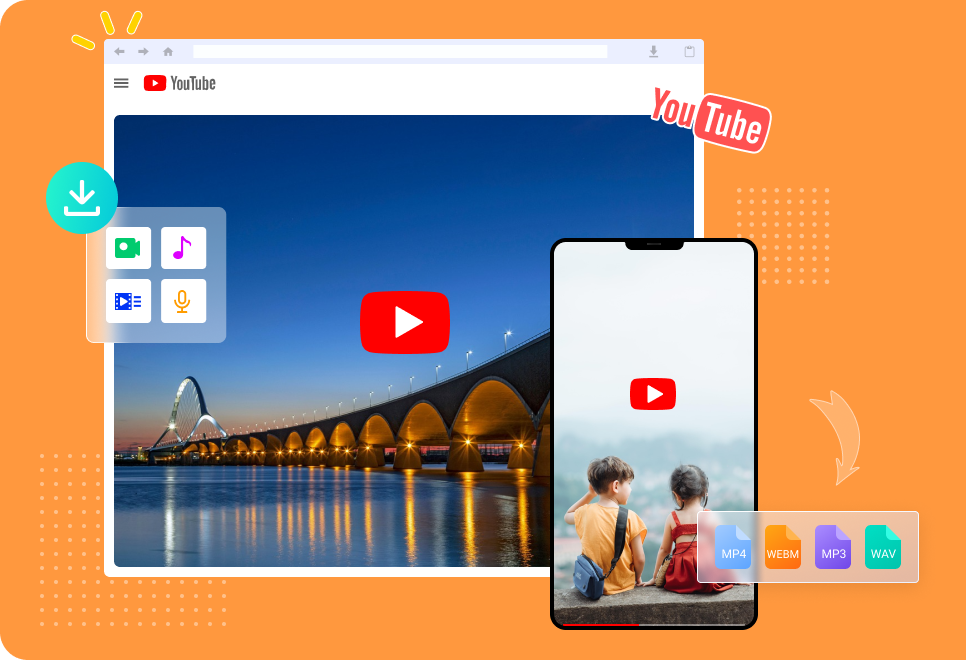

Why Choose MiniTool Video Converter?
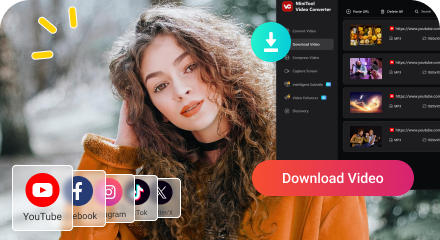
Top Social Platforms Support
MiniTool Video Converter supports downloading videos from popular online websites like YT, Facebook, Instagram, TikTok, and Twitter/X. Save from multiple sites without switching app.

Diverse Types of Media Download
MiniTool Video Converter can save regular videos, audio, short videos, playlists, and stories, enabling you to enjoy different kinds of media files offline.
Batch Video Downloads
Download multiple videos/audio simultaneously with two options: save a playlist or create several downloading tasks.
High-Quality Video Downloads
MiniTool Video Converter supports to save videos up to 8K. It restores the highest quality of the target video and ensuring a clear watching experience.
Fast Downloading Speed
MiniTool Video Converter directly extracts a video from its link. It simplifies the downloading process and provides quick downloading speed.
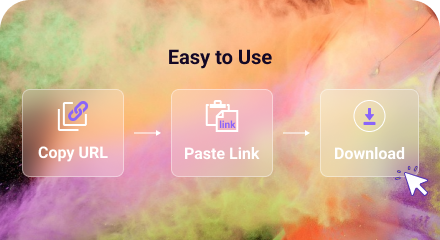
Easy to Use
Easily get your desired videos in a few clicks. All you need to do is to copy the target URL, paste the link, and click the download button.
More Amazing Features
Video Conversion
Video Conversion
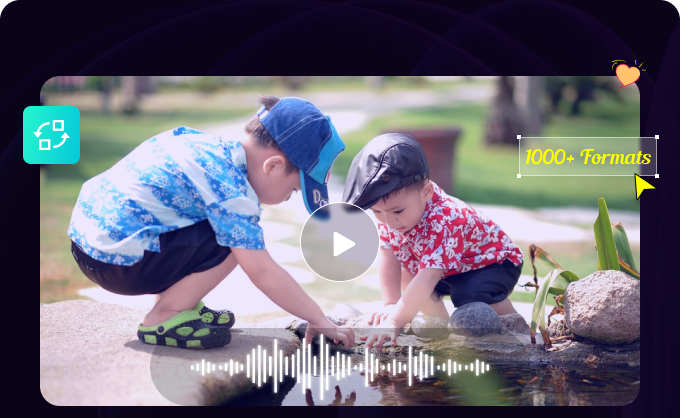
Convert videos and audio among 1000+ formats for better compatibility.
Video Compression
Video Compression
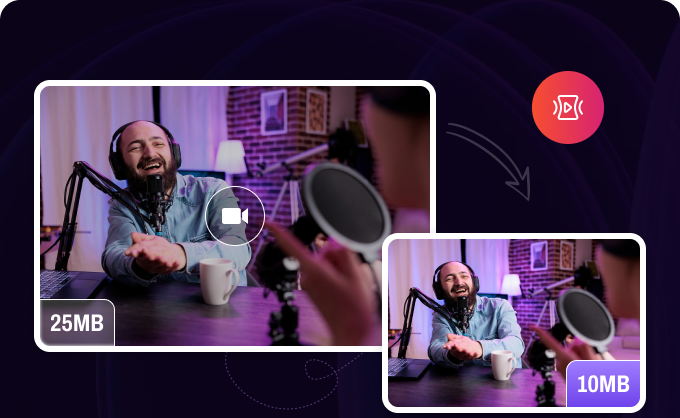
Compress video file size for easy transfer and save storage space.
Intelligent Subtitle
Intelligent Subtitle
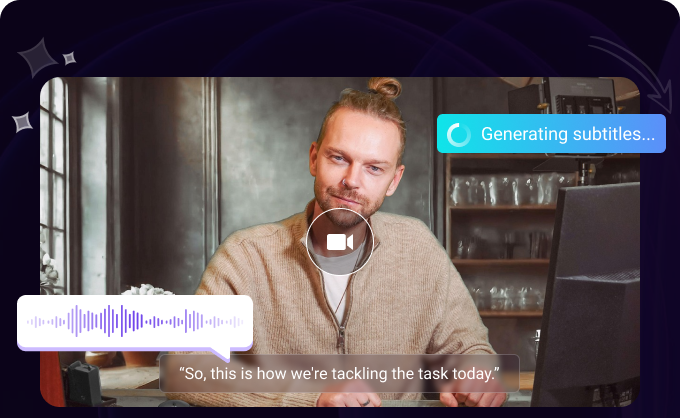
Extract subtitles from videos or generate subtitles for videos.
Video Enhancement
Video Enhancement
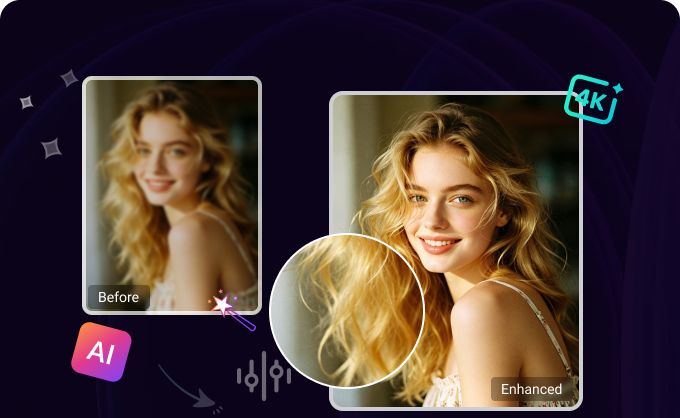
Enhance video quality to increase its resolution and improve its clarity.
System Requirements

OS:
Windows 10 (64-bit) and Windows 11 (64-bit).

RAM:
At least 4GB RAM is recommended.

Space:
At least 1GB free space.

CPU:
Intel Core i5 or better, 2GHz+.

GPU:
Intel HD Graphics 5000 or later; NVIDIA GeForce GTX700 or later; AMD Radeon R5 or later.
