

Get to Know StreamFab
StreamFab is a powerful video downloader that supports saving videos from over 1,000 platforms, including YouTube, Facebook, Twitter, and many more. It also allows me to save subtitles directly and remove ads. However, the free version of StreamFab has download limits. To unlock all features, try subscribing to its All-in-One Plan for $299.99.
Is StreamFab Safe
Many users have concerns about security before using StreamFab, and I was no exception. So, I checked the official website and confirmed that the software is safe.
StreamFab utilizes well-known antivirus tools such as Norton 360, McAfee, VirusTotal, and Hybrid Analysis to provide comprehensive monitoring during operation. Additionally, the tool ensures that all user account information is stored locally on the device and does not collect personal data without authorization.
How to Use StreamFab to Save YouTube Videos
Here are the detailed steps for downloading YouTube videos using StreamFab.
Step 1: Open StreamFan and Go to YouTube
1. Launch StreamFab on the PC and sign in to the account.
2. Click on YouTube on the home page to enter the webpage within the app.
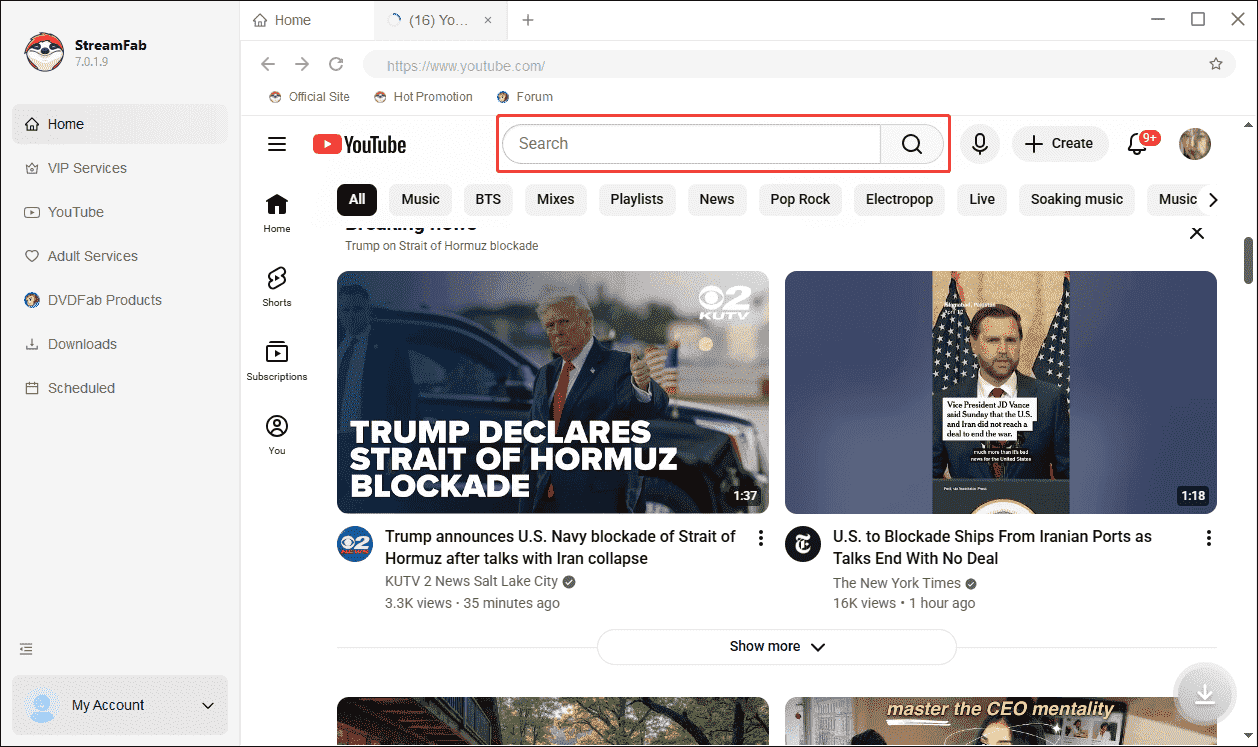
Step 2: Search The Target Video
Search the target video in the search box.
Step 3: Download the YouTube Video
1. Click the target video to enter the playback interface.
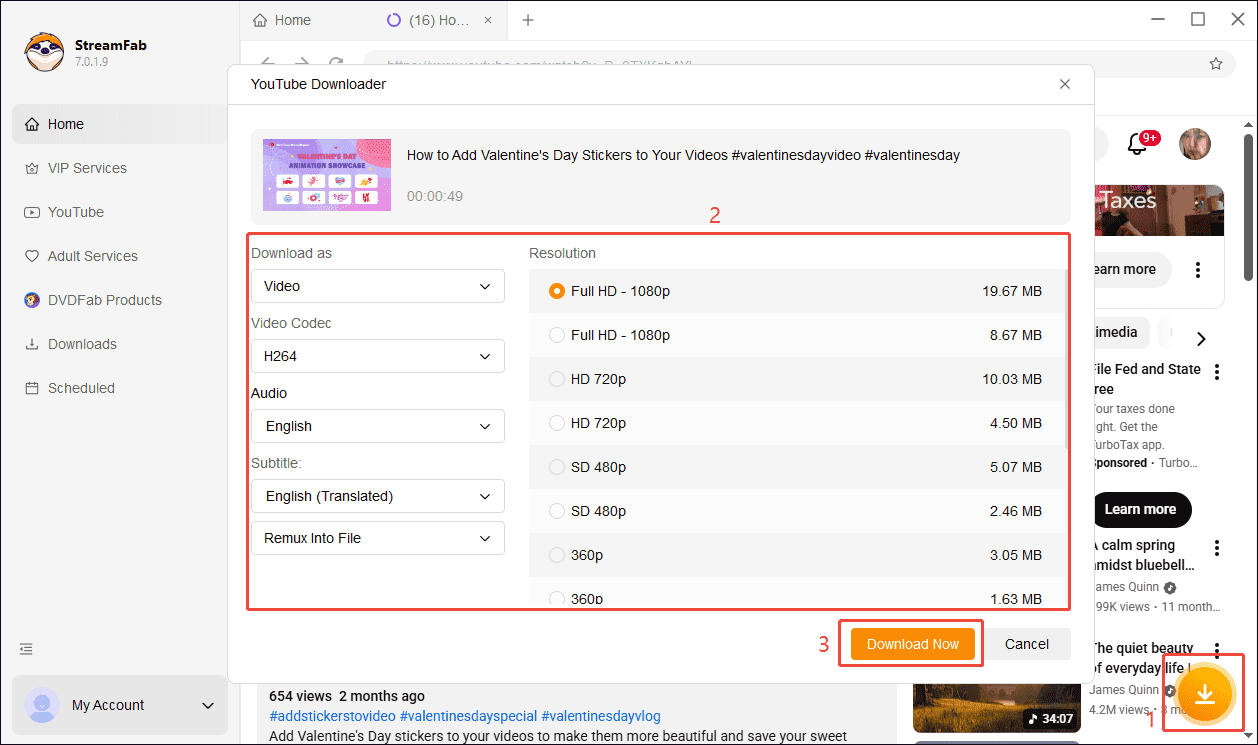
2. Click the Download icon, and then the video download interface will pop up.
3. Check the video settings and select a video resolution. Finally, click the Download Now option to start downloading.
5 Top StreamFab Alternatives
As mentioned above, StreamFab makes it easy for me to save YouTube videos. However, its high subscription cost eventually made it impossible for me to continue using it. So, I started looking for suitable StreamFab alternatives and eventually narrowed my choices down to the following options.
#1 MiniTool Video Converter
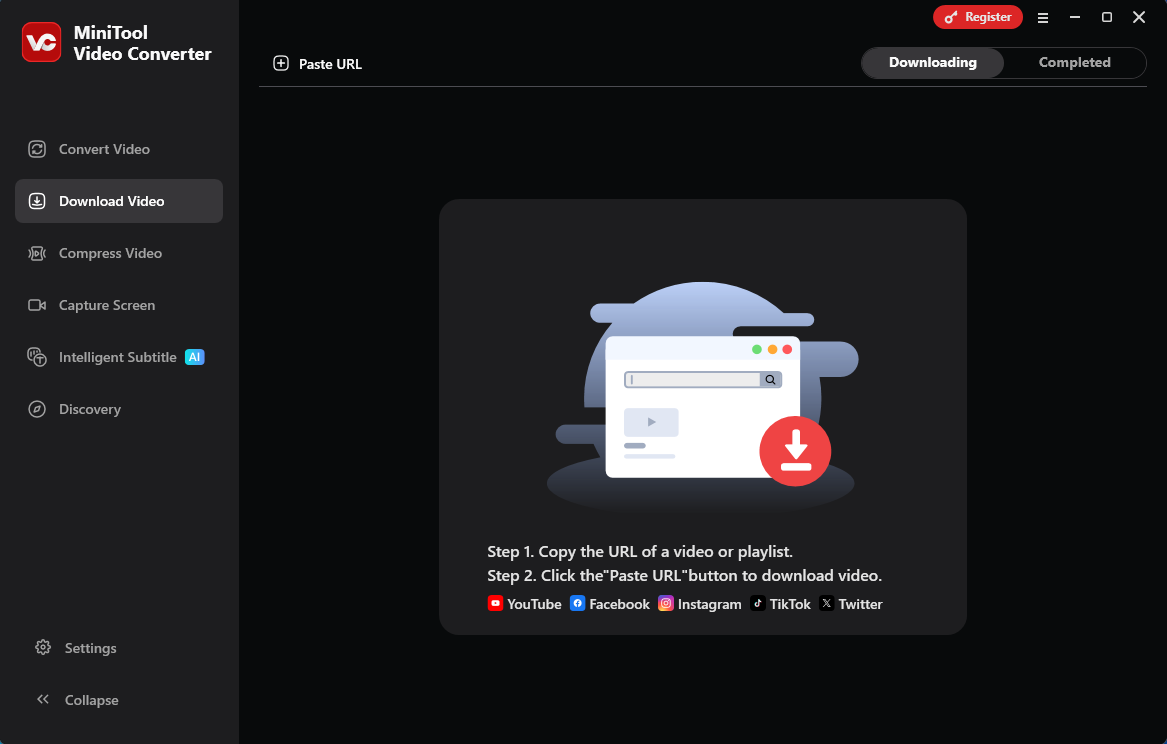
After trying out several options, my top recommendation is MiniTool Video Converter. Not only is it free, but it also offers powerful download features. With MiniTool Video Converter, I can get YouTube playlists, podcasts, Shorts, Instagram Reels and Stories, as well as videos from Twitter, TikTok, and Facebook.
In addition, MiniTool Video Converter lets me download subtitles and save them in SRT format. The main reason I recommend this software is that it supports batch downloading of videos, which saves a lot of time. Best of all, there are no ads during the download process, and no watermarks are added to the resulting videos.
MiniTool uTube DownloaderClick to Download100%Clean & Safe
#2 viddown.net
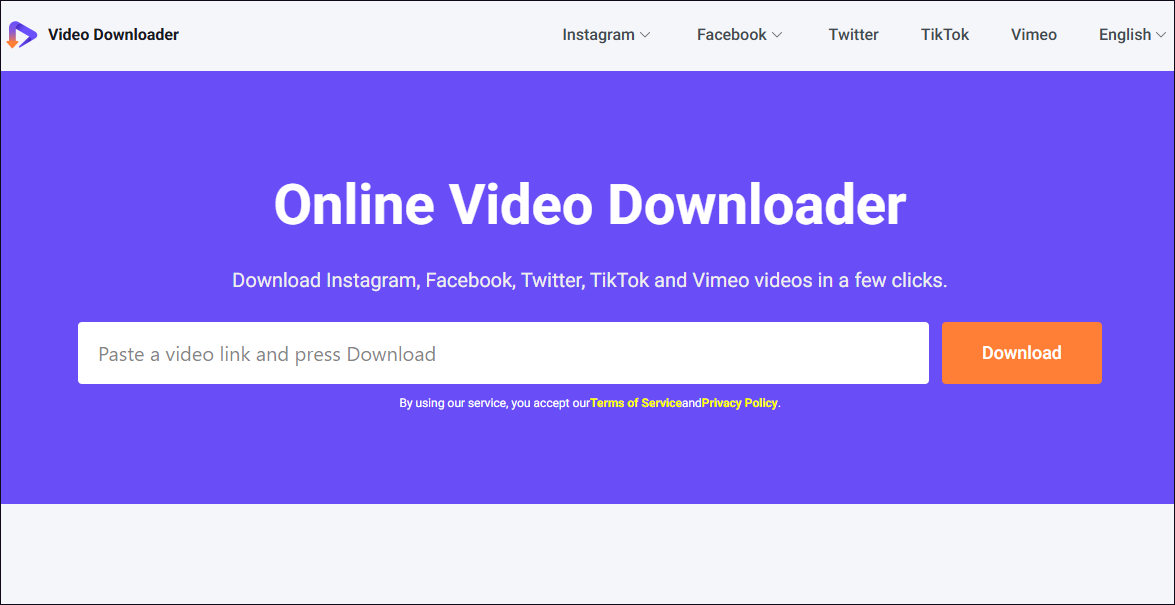
viddown.net is another StreamFab free alternative. It’s a web-based video downloader that lets me save videos with just a single click after entering the video link. viddown.net supports downloading videos from platforms like YouTube, TikTok, Facebook, and more.
Furthermore, the most notable feature of viddown.net is its strong compatibility: it supports a variety of major browsers, including Opera, Safari, Google Chrome, Firefox, and Edge, and can run seamlessly on a wide range of devices. Moreover, viddown.net also lets me save YouTube thumbnails.
#3 NoteBurner
NoteBurner is also a free alternative to StreamFab that I highly recommend. It has a user-friendly interface that makes it easy for me to get started. Like StreamFab, NoteBurner supports downloading videos from multiple platforms. Another reason I chose this tool is that it can extract audio directly from YouTube videos.
Additionally, just like MiniTool Video Converter, NoteBurner supports batch downloading of videos. It also allows me to adjust the video quality during the download process to suit the storage capacity of different devices.
#4 KeepStreams Video Downloader
While searching, I came across a powerful YouTube downloader called KeepStreams Video Downloader. Although it’s a paid program, once you subscribe, you can watch and save videos from over 600 platforms for offline viewing. To my surprise, in addition to saving regular YouTube videos, KeepStreams Video Downloader can also easily save movies.
Meanwhile, just like StreamFab, KeepStreams Video Downloader can identify and remove ads during the download process. More importantly, this tool allows me to save downloaded YouTube videos in MP4 or MKV format, ensuring they play properly on a variety of media players.
#5 ddownr.com
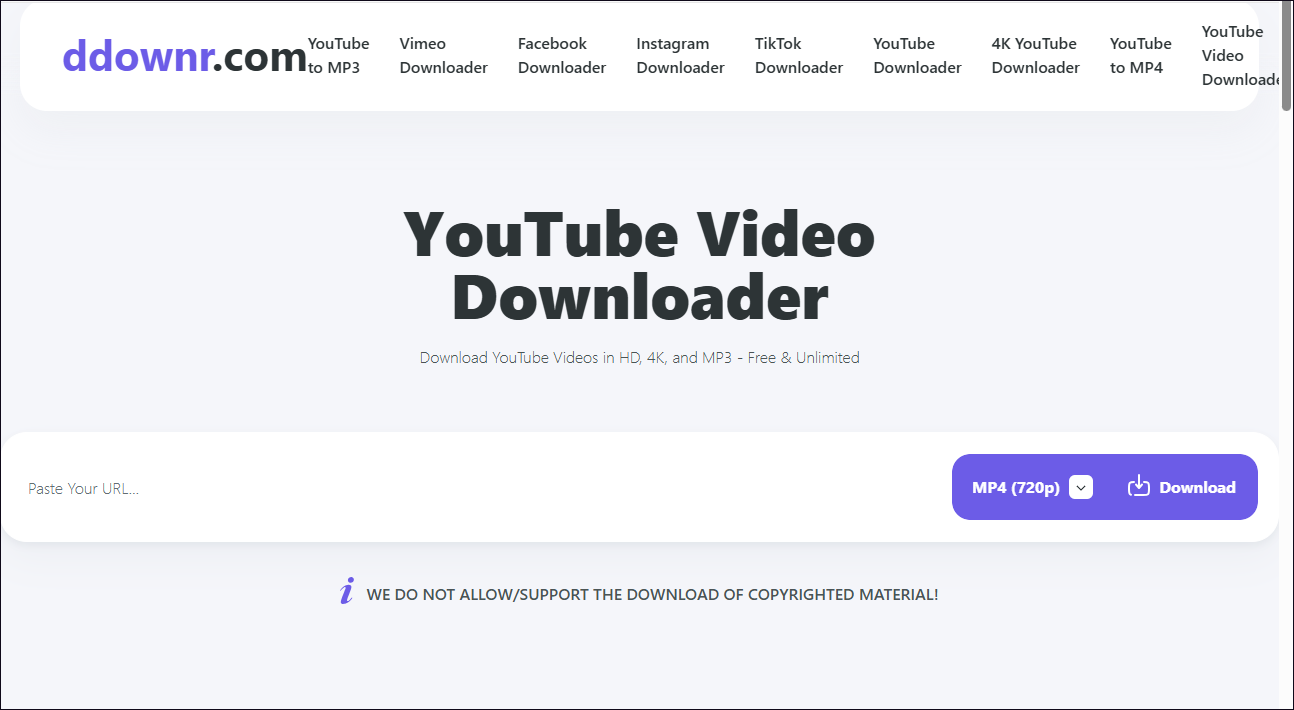
ddownr.com is a browser-based video downloader that I stumbled upon while browsing the web. It also downloads videos via links. I chose ddownr.com because of its security: it requires no registration or login to use.
ddownr.com’s powerful download features are another reason I chose it. Not only does it let me easily save YouTube videos, but it also supports downloading videos from over 1,000 websites and saving them in MP4 or WEBM format. Plus, ddownr.com doesn’t require a subscription, which means I can use its download features for free anytime, anywhere.
Most of the five StreamFab alternatives listed above are free; while some are paid, they generally offer better value for money than StreamFab. Therefore, compare these options and choose the one that best suits your needs.
Conclusion
Given that StreamFab is quite expensive, this article highlights five cost-effective StreamFab alternatives, such as MiniTool Video Converter, viddown.net, and NoteBurner. Just give them a try and see which one works best for you.
About The Author

Position: Columnist
Jade is an experienced multimedia tech writer who has authored hundreds of guides on screen recording, video editing, and software troubleshooting. Dedicated to bridging the gap between complex technical concepts and user-friendly solutions, she specializes in providing clear, actionable advice.