

This article recommends 2 remarkable FBDOWN.net alternatives, including an offline tool and the Online Video Downloader. The general steps to use these video downloaders include inputting the Facebook URL, selecting the output format, and beginning the download process.
As an outstanding online tool, FBDOWN.net has helped me save a variety of Facebook videos. It never costs me a dime and protects my privacy well. However, one day, I found FBDOWN.net not working due to an unknown error. To save Facebook videos without hassle, I looked for an amazing FBDOWN.net alternative. Finally, I found 2 reliable tools.
Here, I will share these two alternatives to FBDOWN.net with you, just in case.
What Is the Best FBDOWN.net Alternative (Offline)
I have used MiniTool Video Converter for a while. If you want to save a Facebook video with simple clicks, I highly recommend it. Firstly, I like MiniTool Video Converter for its intuitive interface. Even if I am a beginner of this software, I can access its features effortlessly. Meanwhile, MiniTool Video Converter empowers me to save videos from multiple platforms, such as Facebook, YouTube, Twitter, TikTok, and Instagram.
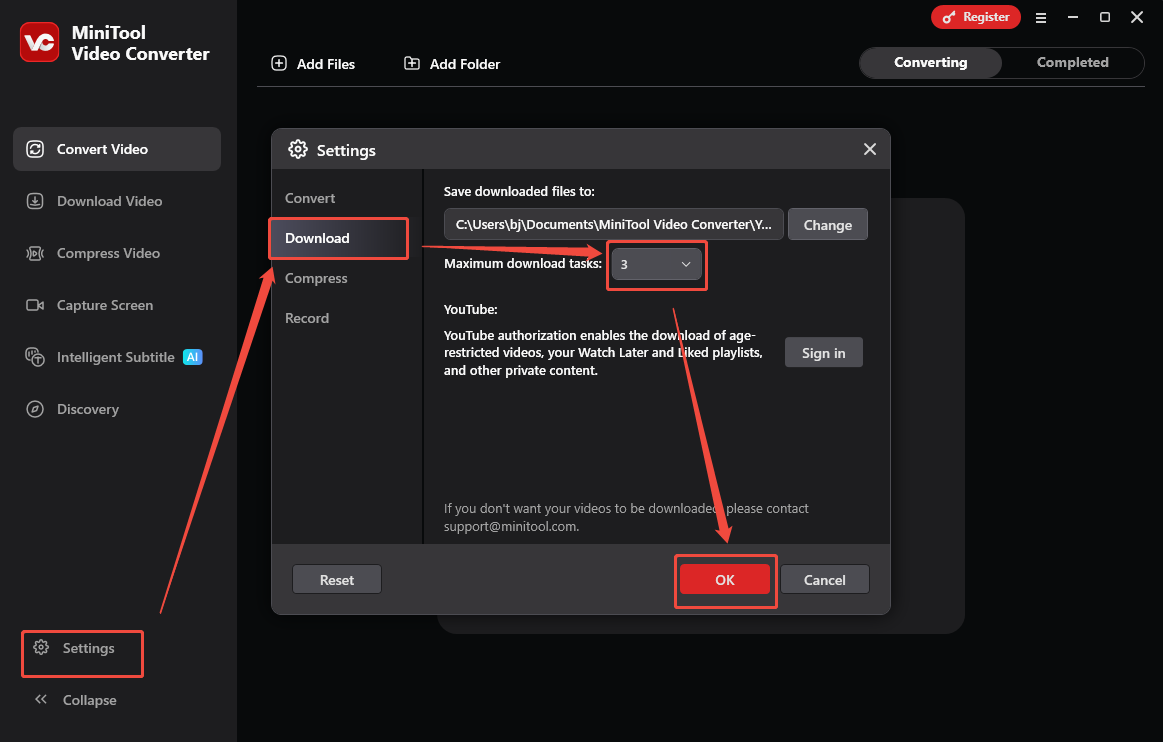
More than a video downloader, MiniTool Video Converter also enables me to extract MP3/WAV audio from a wide range of videos, like Facebook videos, Reels, YouTube 4K videos, and watermark-free Instagram videos. More importantly, I love its batch download function, allowing me to download up to 10 videos at a time.
Step 1. Download and install MiniTool Video Converter.
 MiniTool Video Converter
-
 Download YT videos for offline playback.
-
Save Instagram Reels to watch privately.
-
Get online TikTok clips for remake or combination.
-
Download Facebook and X videos easily.
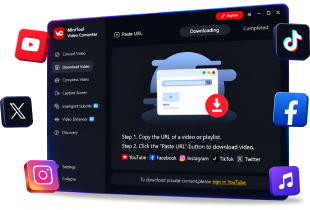
Download MiniTool Video Converter by clicking on the download button above. Then, follow the on-screen prompts to install this FBDOWN.net alternative on the PC. Next, run MiniTool Video Converter.
Step 2. Copy the Facebook video link.
Go to the Facebook website and locate the target video. Then, copy the video link from the address bar.
Step 3. Analyze the video link.
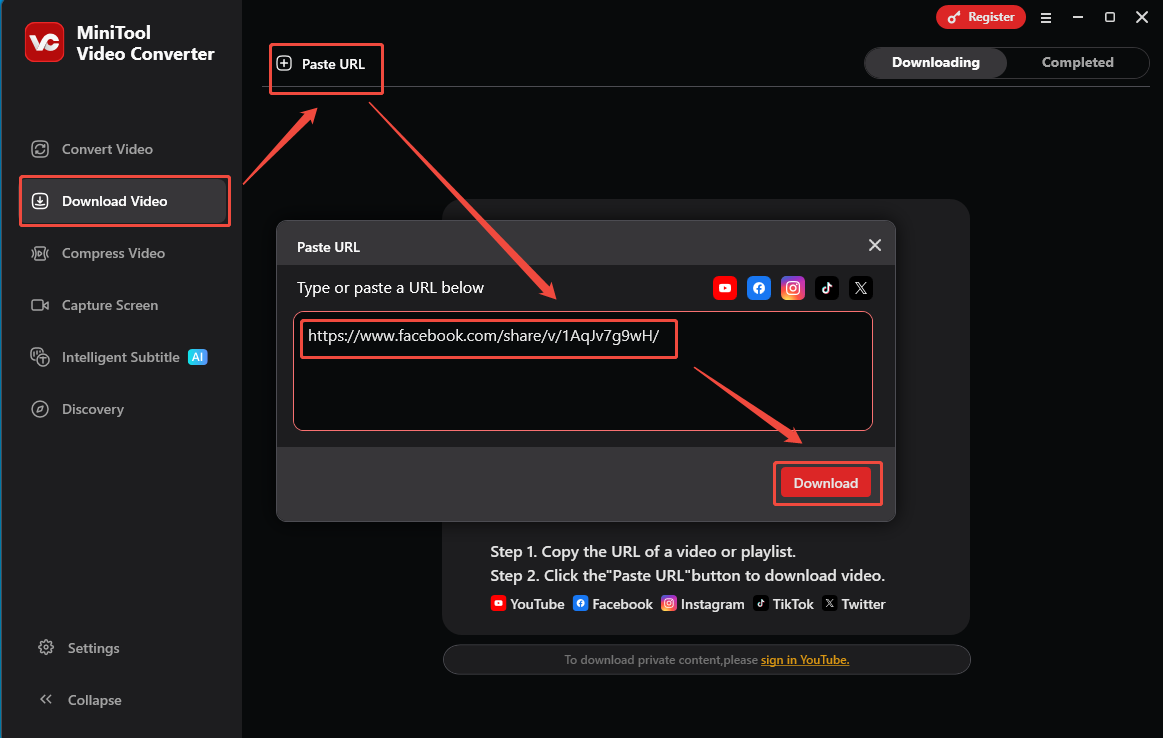
Go back to the MiniTool Video Converter interface. There, switch to the Download Video section and click on the upper-left Paste URL option. Next, paste the video link into the URL box. Then, click on the Download option to start the link analysis process.
Step 5. Set the output format and begin the download.
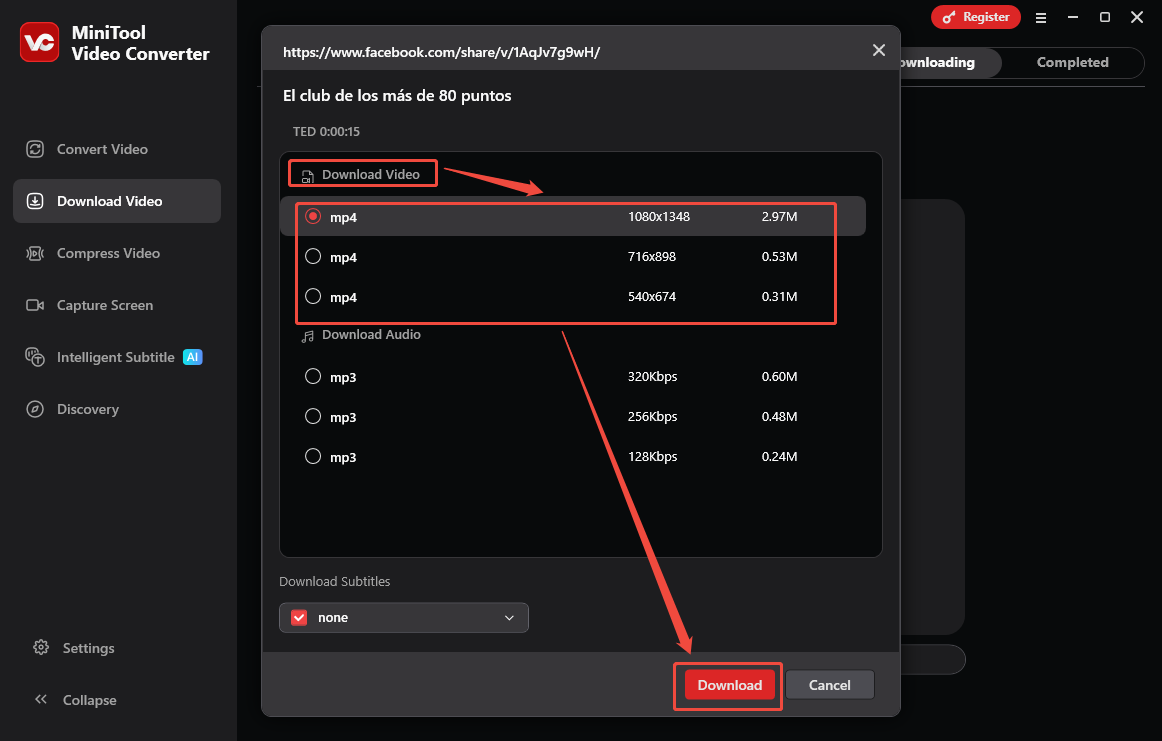
Once the link analysis process completes, an output format window will appear. Under the Download Video section, choose a proper output format and resolution. Finally, click on the Download option to start the download process.
Step 6. Check the output file.
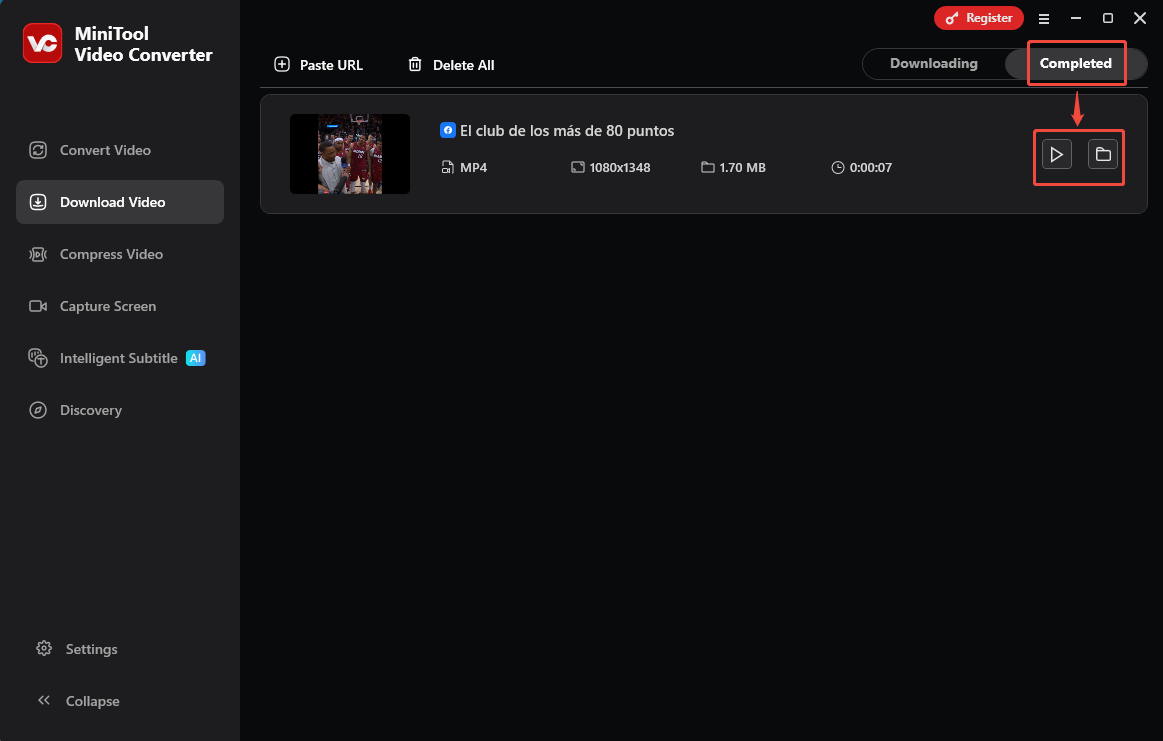
When the download process ends, this alternative to FBDOWN.net will automatically switch to the Completed section. There, click on the Play icon to view the output video. To locate it, click on the Folder icon.
With the above-detailed steps, it is easy to save a Facebook video without FBDOWN. Net.
MiniTool Video ConverterClick to Download100%Clean & Safe
What Is the Best FBDOWN.net Alternative (Online)
If you want an alternative to FBDOWN.net without downloading extra software, Online Video Downloader is the best choice. I like Online Video Downloader for its clean interface. In the download process, my attention has never been distracted by any advertisements. What’s more, it doesn’t require any payment or signing up, helping me save time and money.
Step 1. Copy the Facebook video link.
Go to Facebook and locate the target video. Then, copy the video link from the address bar.
Step 2. Analyze the video link.
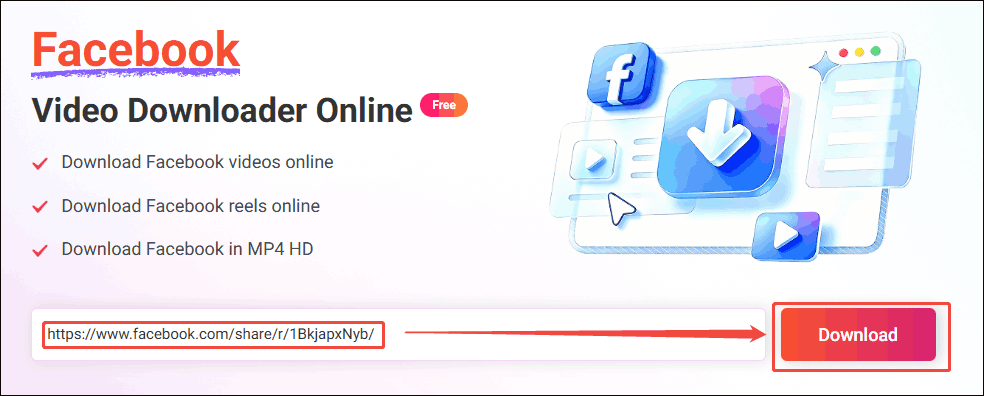
Open a web browser and go to the online Facebook video downloader. Next, paste the video link into the text box. Then, click on the Download option to begin the video link analysis process.
Step 3. Set the output format.
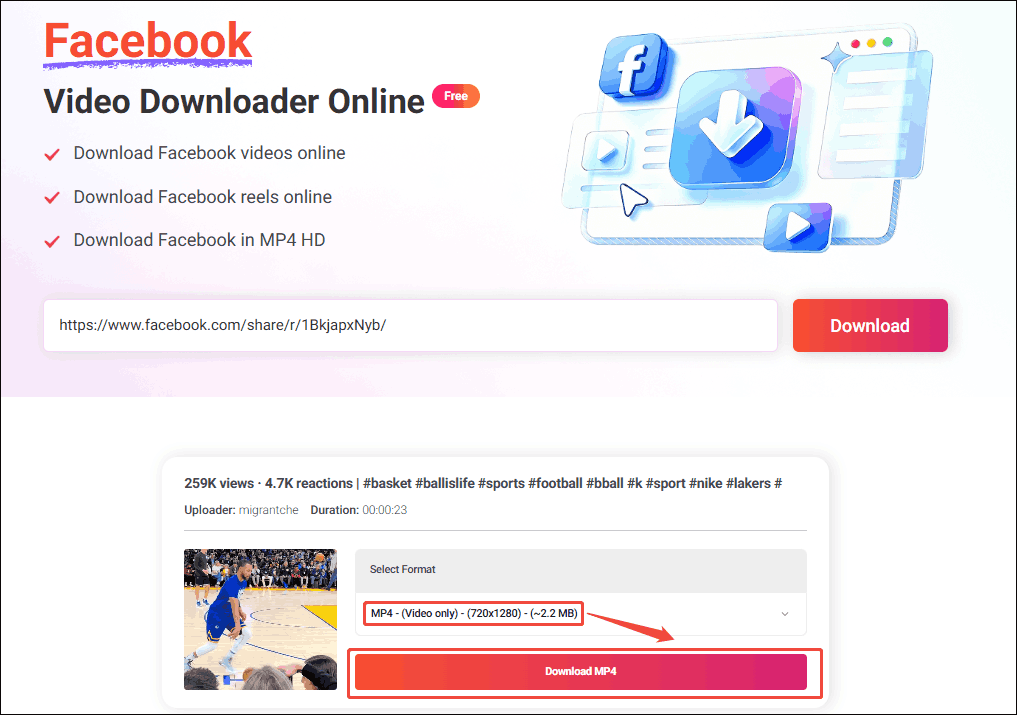
When the link analysis process ends, select the desired resolution. Then, click on the corresponding Download MP4 option to preview the Facebook video.
Step 4. Start the download.
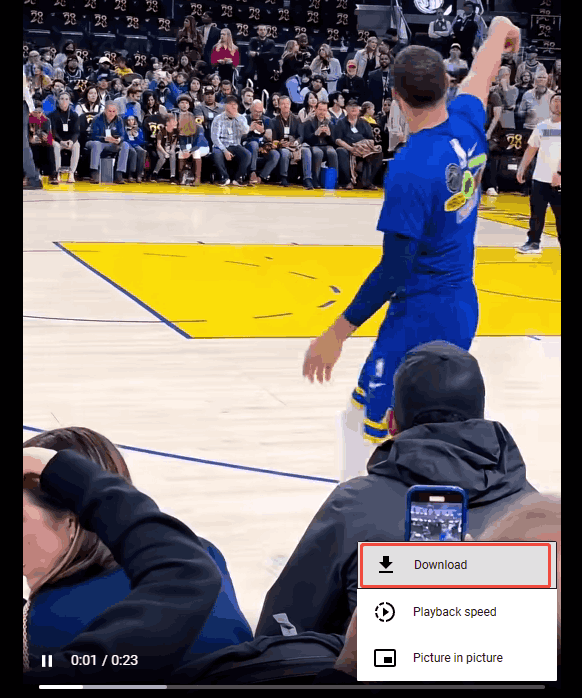
Click on the bottom-right More icon and select the Download option to begin the download process.
Step 5. Check the output video.
Once the download finishes, go to the Downloads section of the web browser. Finally, view and check the saved Facebook video.
Online Video Downloader is a free and easy-to-use FBDOWN.net alternative.
How to Choose Between the 2 FBDOWN.net Alternatives
| MiniTool Video Converter | Online Video Downloader | |
| Advantages | It supports batch download. It is watermark-free. It features an intuitive interface. It supports more output formats (MP4, WEBM, MP3, and WAV). | It works on various systems, including Windows, Mac, Linux, Android, and iOS. It is watermark-free. It is safe to use. It is completely free. |
| Disadvantages | It is only available on Windows. It requires payment for unlimited downloads. | It only supports MP4 output format. It doesn't support output resolutions higher than 720p. |
To Wrap Things Up
Both MiniTool Video Converter and Online Video Downloader are great FBDOWN.net alternatives you can try. If you have encountered any problems when using MiniTool Video Converter, please ask for help by sending an email to support@minitool.com.