

What’s SaveMp3
Want to set a song from a video or movie as your phone ringtone? SaveMp3 is one of the best choices. Savemp3 is a free web-based video downloader for YouTube. It works for all browsers, including Chrome, Firefox, Opera, Safari, etc.
As the name suggests, it allows users to convert music or videos to MP3 format with the link. Apart from a single video, you can download an entire YouTube playlist, album, or channel with a single click. SaveMp3 supports converting videos to MP3 audio with a bitrate of up to 320kbps.
Additionally, a variety of different sources are supported, in addition to YouTube, such as Instagram, Twitter, Soundcloud, Facebook, TikTok, and many more. What makes SaveMp3 fantastic is that it can trim the video before you download it in MP3 format, instead of opening a new application.
How to Use SaveMp3 to Download Videos
After having a full understanding of SaveMp3, can’t you wait to use SaveMp3 to download videos from YouTube? Follow the steps below.
Step 1. Copy the YouTube Video Link
Open the YouTube website and copy the URL of the video you want to download from your browser’s address bar.
Step 2. Download YouTube Video
1. Go to the Savemp3.net and paste the URL into the input field or click on Paste Link.
2. Click on the MP3 option to download the video in audio format.
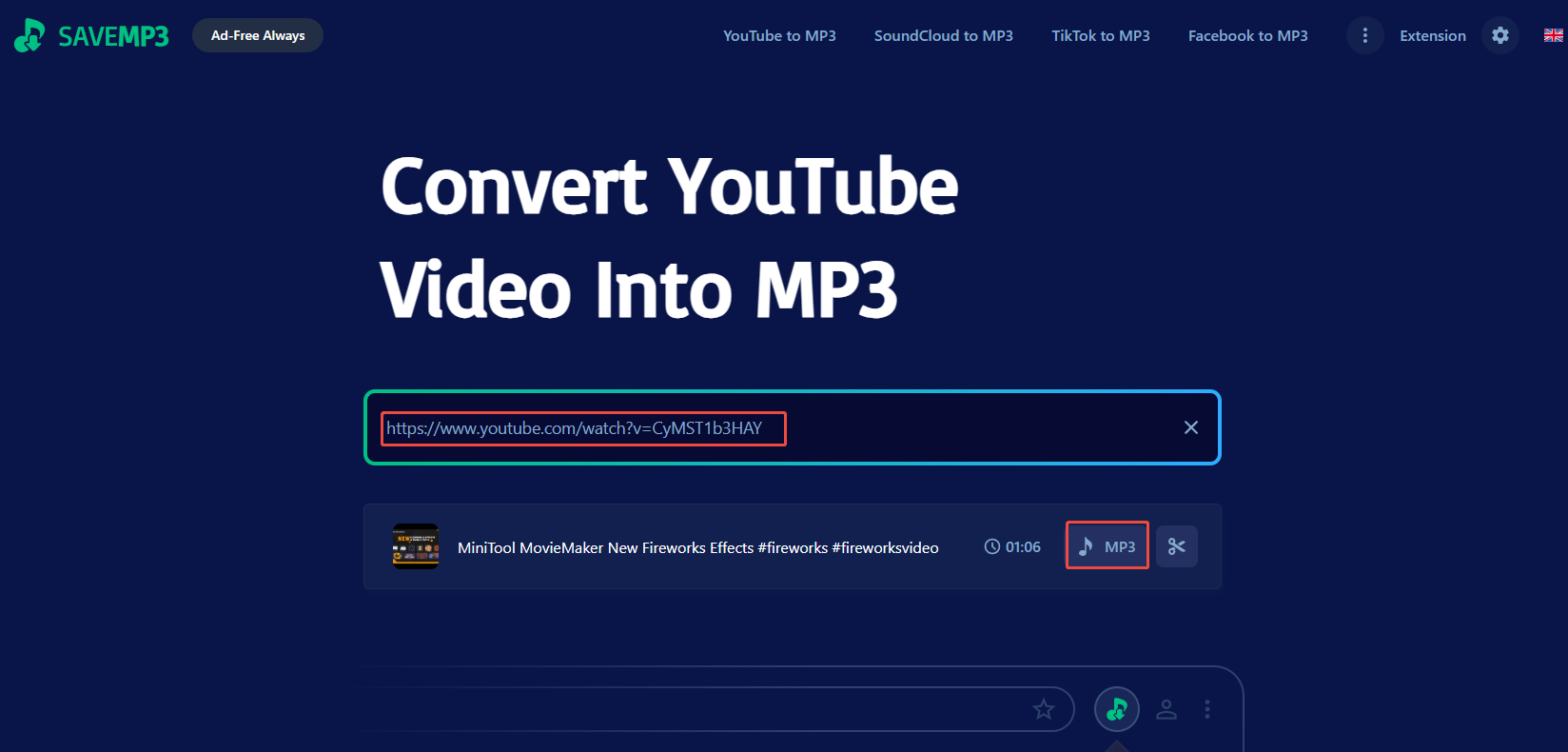
Step 3. Find the Downloaded YouTube Video
The downloaded YouTube videos will be saved in Downloads on your browser by default.
What Are the Best SaveMp3 Alternatives
Although SaveMp3 is free to use, it has some limitations. For example, the website version allows downloading only 3 downloads per hour and limited playlist results. Wondering about changing to a better SaveMp3 alternative? The following are the options you can pick up.
Option 1. Ddownr
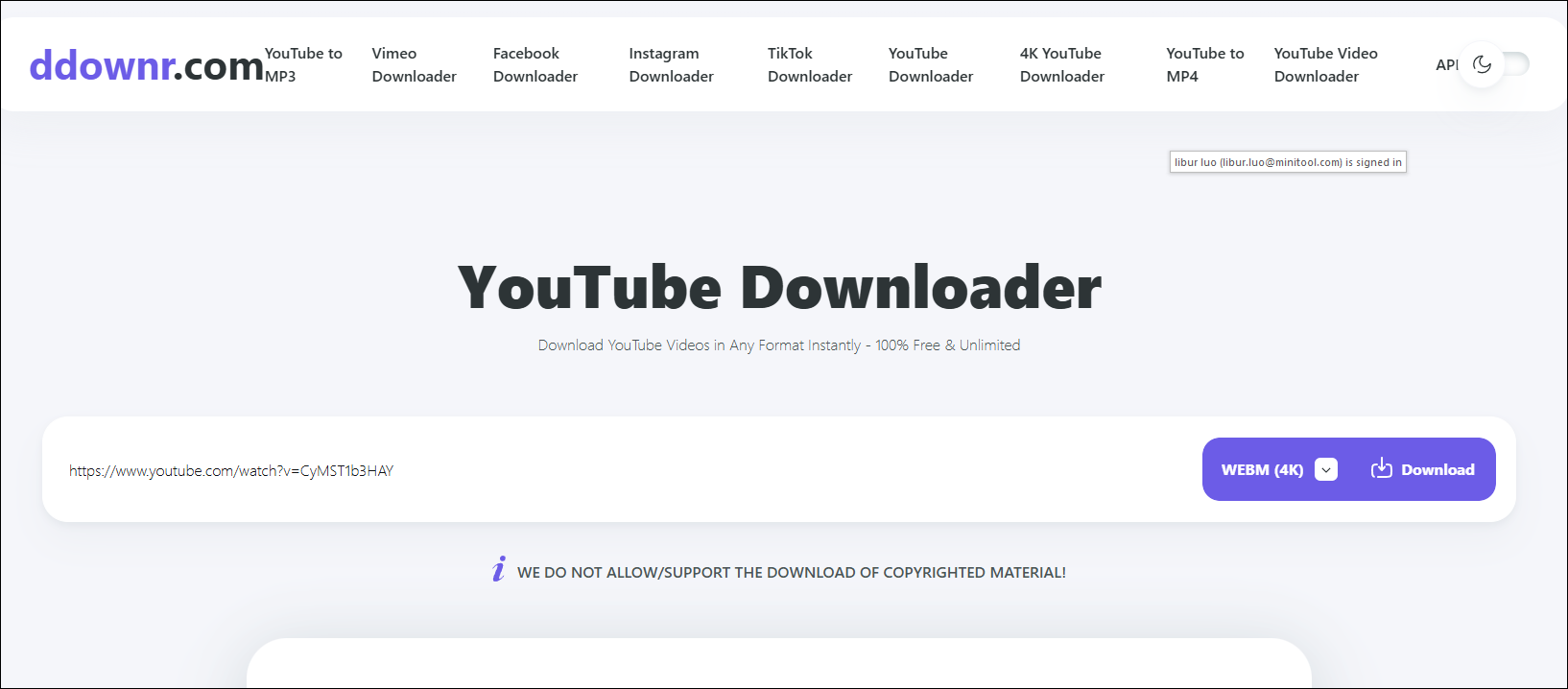
I believe that most people are not familiar with Ddownr. I also found it on my browser by chance. It is quite handy to use as a SaveMp3 alternative after I use it to download videos from YouTube. This online platform supports downloading videos from almost all common websites, such as YouTube, Facebook, Vimeo, TikTok, Twitter, Twitch, and Soundcloud.
Unlike SaveMp3, Ddownr supports a variety of audio download formats (MP3, M4A, AAC, FLAC, WAV, OGG) while video formats (MP4, WebM). The tool enables users to make unlimited downloads, with no speed limits, as well as no subscriptions or hidden fees.
Option 2. Ummy Online Video Downloader
Ummy is one of the most suitable options as a SaveMp3 alternative to help you save videos from a large list of websites. Now, YouTube, Facebook, Instagram, Twitter, Vimeo, Dailymotion, and VK videos will be saved with the help of Ummy.
Once you paste the video link, the tool will automatically analyze it and give you the downloadable options. You can download as many videos as you want in audio formats, such as MP3 and M4A. Plus, Ummy has an application that provides a better download experience. If you need, you can also download it.
Option 3. TubeOffline
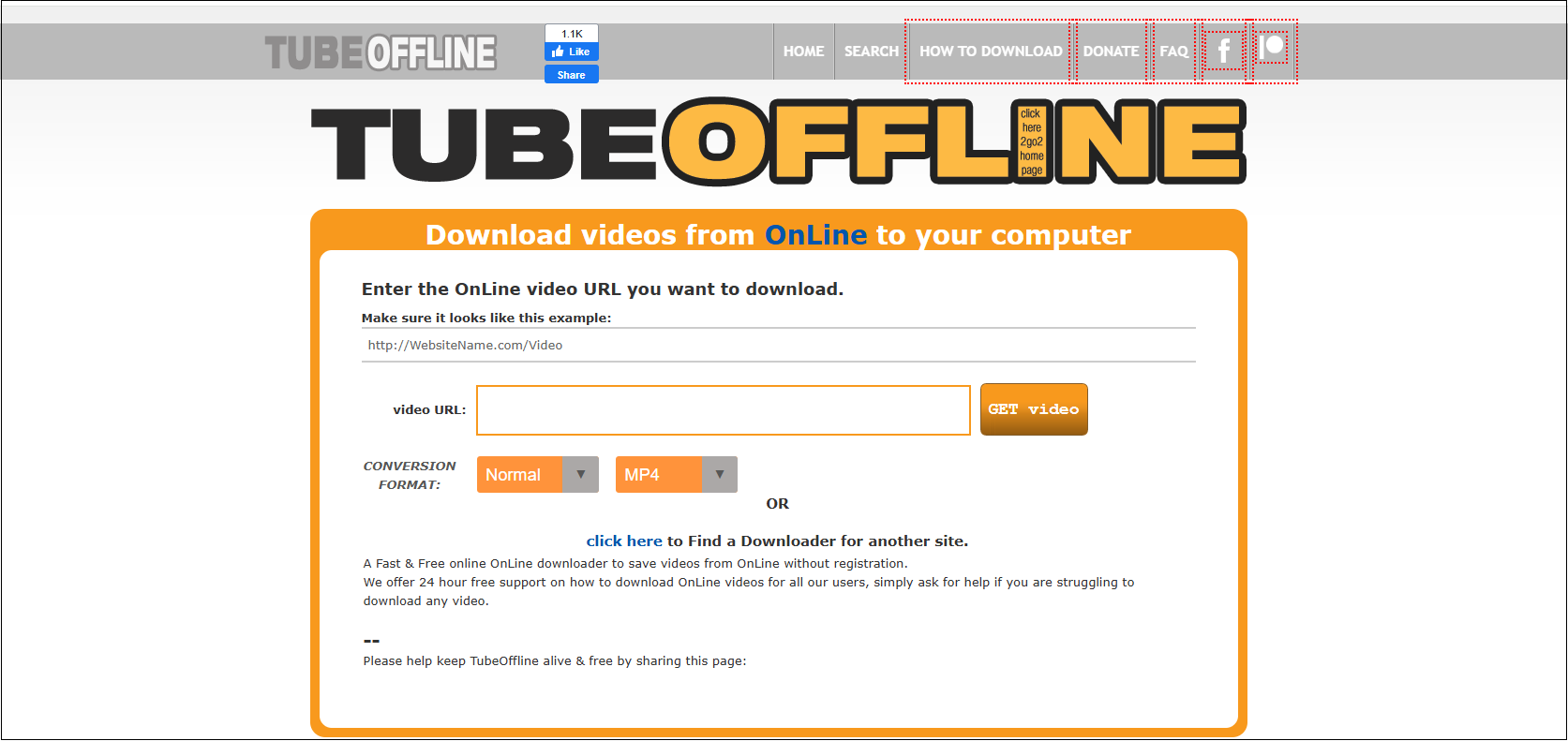
TubeOffline is a web-based service that allows you to download videos from plenty of video streaming sites, such as YouTube, Vimeo, TikTok, Instagram, and others. You can easily convert online videos to audio as a ringtone.
Like other SaveMp3 alternatives free, TubeOffline can download videos and music in multiple output formats, including MP3, MP4, FLV, AVI, and WMV in the best quality. Besides, it’s compatible with any device with an Internet connection.
Option 4. FLVTO
FLVTO is designed for YouTube video downloads. You can download your unlimited favorite videos and music in MP4 or MP3 formats without being required to pay any amount. FLVTO provides high-quality MP3 downloads up to 320kbps for your offline listening experience.
Additionally, FLVTO also works effectively in different browsers and devices, such as mobile, tablet, desktop, and laptop. It’s safe to use and no sign-in is required.
Option 5. MiniTool Video Converter
The last alternative to SaveMp3 I want to share with you is MiniTool Video Converter. Why do I recommend it as the last option? It is a Windows-based application with strong features. Similar to SaveMp3, MiniTool Video Converter supports multiple platforms downloading, such as YouTube, Facebook, Twitter, Instagram, and TikTok. Plus, downloading a playlist is available.
What makes MiniTool Video Converter better than SaveMp3 is that it not only saves videos and music in MP3 format but also in MP4, WAV, and WebM. Except for video downloading, video conversion, video compression, screen recording, and transcription extraction are supported.
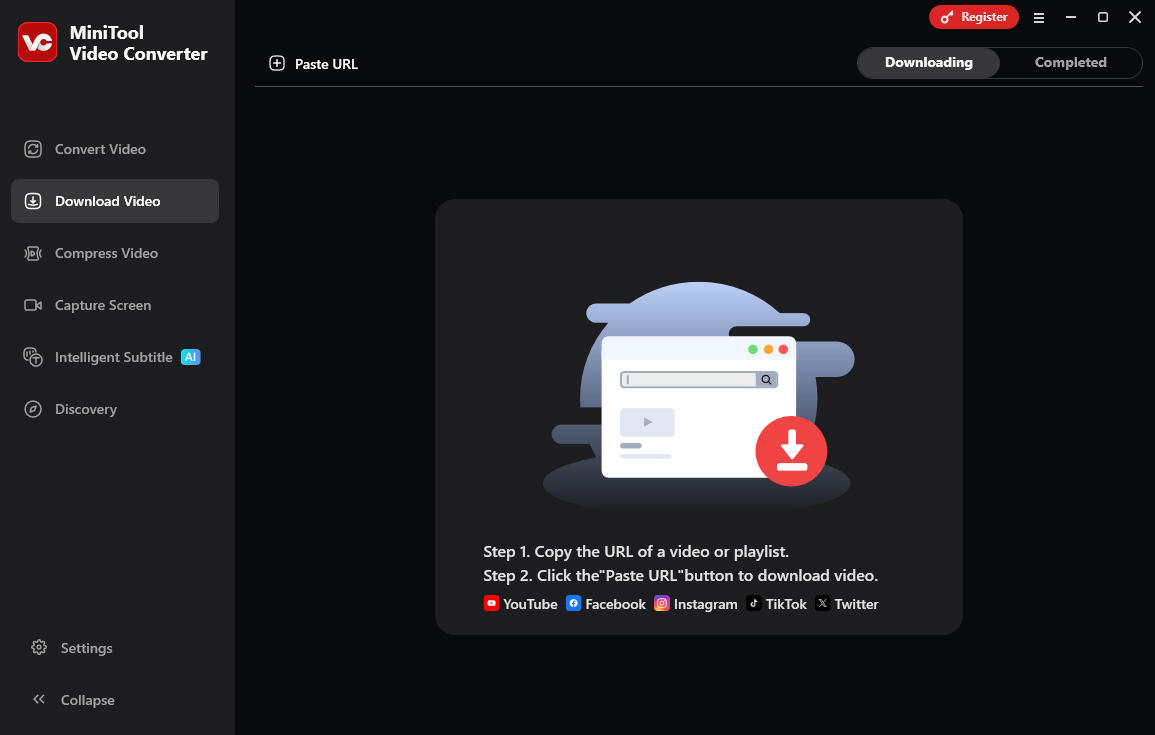
Click on the button below to save videos and audio from your designed websites for free.
MiniTool Video ConverterClick to Download100%Clean & Safe
To Conclude
Although SaveMp3 is a handy online downloader with rich features, there are many other reliable SaveMp3 alternatives available today that serve the same or an advanced purpose. Give them a try to download and enjoy your favorite videos offline without hassle.