

A YouTube clip maker helps you create short, shareable highlights from longer YouTube videos. This article explains what it is and introduces the best 4 tools available for content creators to make YouTube clips easily. For more advanced editing, consider our recommended professional editing software, MiniTool MovieMaker.
What Is a YouTube Clip Maker
A YouTube clip maker enables users to extract highlights from any long YouTube video in just a few steps using a video link. These clips range from 5 to 60 seconds in length, and creators typically share these short videos to preview channel content or promote their channels to viewers.
Although YouTube offers built-in clipping features, its functionality is limited and only supports one-time trimming. Therefore, this article has carefully selected four powerful YouTube clipping tools to help you effortlessly create YouTube clips with ease.
Why Use YouTube Clip Creator
While traditional video editing software can also extract highlights from longer YouTube videos, creators need to spend considerable time on fine-tuning and editing. YouTube video clip maker, however, offers a more efficient solution. Here's why you should choose them:
- Simple operation: You just need to enter the URL of a long YouTube video into the clip maker’s specified location to easily obtain the highlights.
- Save time: No need to manually edit videos. YouTube clipper uses AI to automatically capture the best moments of your long YouTube video.
- Boosting exposure for source videos: YouTube clipper can extract multiple highlights from long videos in one go. Sharing these clips across different platforms simultaneously will further increase the original video's exposure.
- No software download required: You can easily access YouTube video clips without downloading any software.
4 Best YouTube Clip Makers for You
If you also want to effortlessly clip highlights from your long videos, don't miss the four powerful YouTube clip creators recommended in this section. Keep reading for more detailed information.
#1 Vizard
Vizard boasts powerful AI capabilities. After entering a video link into the address bar, it automatically identifies highlights within long videos and generates over 30 clips for you to choose from. Simultaneously, it automatically creates suitable titles, YouTube descriptions, and captions for each clip.
To enhance the appeal of your YouTube clips, you can choose to add emojis and AI-generated supplementary content before generating the clips based on your needs. What’s more, after generating the clips, Vizard enables one-click sharing of your video clips directly to YouTube after generation.

#2 LiveLink
LiveLink is an easy-to-use and free YouTube clip maker that even beginners can master effortlessly. Leveraging its powerful AI capabilities, LiveLink automatically generates compelling clips and recommends more eye-catching video segments based on audience preferences.
Beyond robust clip editing capabilities, LiveLink also offers content management features. After linking your YouTube account to the platform, you can set up automated scheduling for publishing clips. Additionally, you can manage scheduled clips in bulk via the calendar interface.
#3 SendShort
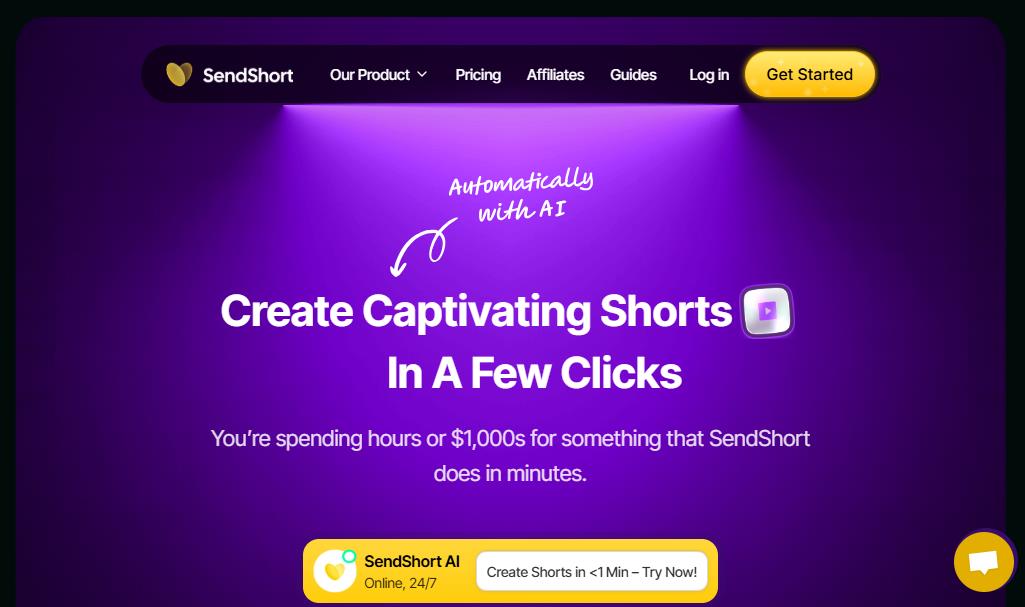
If you want to add more content to your YouTube video clips, SendShort is an excellent choice. Not only can it extract over 10 clips in a few minutes from a single long video, but it also uses artificial intelligence technology to intelligently generate matching video intros, voiceovers, and faceless images based on the video content.
Additionally, SendShort offers automatic subtitle translation support for over 30 languages. To help your short videos reach a broader audience, subtitles can be translated into different languages. What's more, SendShort can automatically generate eye-catching thumbnails by adjusting the start and end points of video clips.
#4 Spikes
Spikes is also one of the best YouTube clip creators. It can precisely capture highlights from longer videos, adding seamless transitions along with brand-aligned subtitles, titles, and hashtags.
Additionally, Spikes uses AI to analyze peak user activity times and recommend optimal posting schedules. It also allows users to publish clips to multiple platforms, like YouTube, with a single click. What’s more, Spikes can generate historical trend analysis reports based on published clips and tracks content growth trajectories.
MiniTool Video ConverterClick to Download100%Clean & Safe
Bonus: Desktop Software for Advanced Clipping - MiniTool MovieMaker
The recommended YouTube clip makers above help creators easily extract highlights from long videos. However, if you need more advanced editing features to unleash your creative inspiration, MiniTool MovieMaker is the ideal choice.
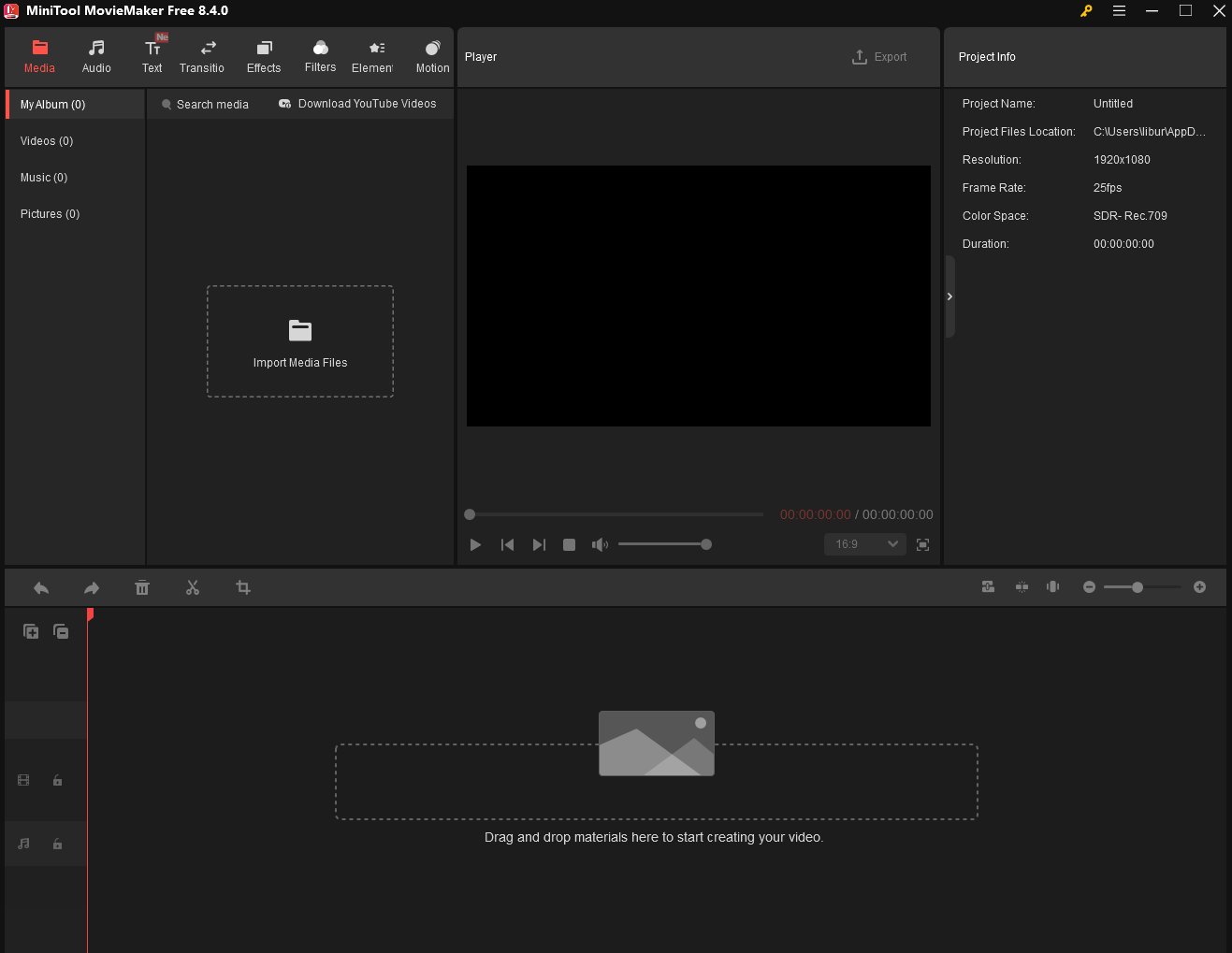
MiniTool MovieMaker is a free and professional editing tool that helps you unleash your creative inspiration. It allows you to add transitions, filters, effects, motions, and many more to YouTube video clips while incorporating more fitting background music and text.
Additionally, MiniTool MovieMaker supports customizing parameters such as frame rate, file names, and save paths, and can export videos in multiple formats, such as MP4, MOV, and WMV. You can click on the download button below to edit your clips now.
MiniTool MovieMakerClick to Download100%Clean & Safe
Final Words
A YouTube clip maker empowers you to create derivative works from existing videos. By using any of the four excellent clippers recommended above alongside MiniTool MovieMaker for more creative production, your short videos are sure to stand out on YouTube.
About The Author

Position: Columnist
Jade is an experienced multimedia tech writer who has authored hundreds of guides on screen recording, video editing, and software troubleshooting. Dedicated to bridging the gap between complex technical concepts and user-friendly solutions, she specializes in providing clear, actionable advice.