

The YouTube brand kit is essential for creators aiming to strengthen their brand identity. This guide systematically explains its definition and importance, provides a step-by-step process for building a brand kit from scratch, and recommends several practical tools to efficiently establish a professional and unified brand visual system.
What Is YouTube Brand Kit
On the fiercely competitive YouTube platform, standing out requires not only high-quality content but also maintaining a consistent brand image. This is where the brand kit plays a crucial role. Simply put, a YouTube brand kit is a comprehensive collection that brings together all core visual assets and design guidelines for a brand.
Meanwhile, these elements collectively shape the brand identity of a YouTube channel, ensuring consistent branding that allows the target audience to recognize it effortlessly.
The Benefits of Having a YouTube Brand Kit
Creating a brand kit for your YouTube channel may require significant time and effort, but it can yield substantial long-term returns.
#1 Optimize Content Creation Workflows
Once your brand kit is finalized, you won't need to redesign thumbnail color schemes, brand logos, lower thirds, or other elements each time you produce video content.
#2 Boost Brand Recognition
Consistently using unified assets from the brand kit in every video helps viewers gradually become familiar with your channel. Over time, they may instantly recognize your brand, potentially converting them into loyal subscribers.
#3 Optimize Team Collaboration
If your enterprise channel account requires team collaboration to produce video content, the brand kit streamlines workflows. This enables teams to quickly create videos with consistent styling, achieving efficient collaboration without repeated back-and-forth communication.
How to Build a YouTube Brand Kit
Creating a brand kit for YouTube is essentially a process of building your image. Here are the specific steps:
Step 1: Establish Your Brand Tone
Brand personality shapes how viewers perceive a YouTube channel. Before planning any content, clearly define your channel goals, research your target audience, and ultimately establish your brand personality. Is it vibrant and energetic, serious and professional, or forward-thinking and innovative? This step lays the foundation for building your brand kit.
Step 2: Draw Inspiration
To make your channel more appealing and distinctive, it's wise to draw inspiration from successful channels and their existing content in your field. Analyze their brand style and corresponding brand assets to uncover creative directions that align with your own brand positioning.
Step 3: Prepare Core Elements
A rich resource library enhances the practicality and functionality of your brand kit. Here are the core resources you need to prepare:
- Color palette: Establish the primary color scheme to create a unified visual style for subsequent resource designs.
- Brand identity: Ensure the design style aligns with the brand's overall tone. Once complete, save the full channel logo version and all elements, including icons and text, to the brand kit for YouTube.
- Font selection: Avoid overly complex or ornate typefaces; prioritize clean, elegant, and easily legible options. To optimize the visual layout of template assets within the brand kit, select 2-3 dedicated fonts for different content types like headlines and body text.
- Templates: After finalizing the above elements, create templates for assets like thumbnails, banners, intro or outro animations, transition GIFs, and subscribe buttons using the confirmed color scheme and fonts.
Step 4: Brand Kit Testing
To ensure effective utilization of the assets within the kit, you may integrate them into newly produced video content to verify their specific visual effects. If you are dissatisfied with the current visual presentation, adjustments can be made as needed.
Step 5: Organize Your Brand Kit
After creating and producing all the elements mentioned above, you can proceed to organize your YouTube brand kit for future use. In addition, categorize assets into separate folders as needed, then compile all materials into the brand kit. This approach helps you precisely locate, retrieve, and utilize various assets.
MiniTool Video ConverterClick to Download100%Clean & Safe
Recommend Brand Kit Generators
Below are two brand kit creators for YouTube that we recommend to help you simplify your production workflow.
Canva
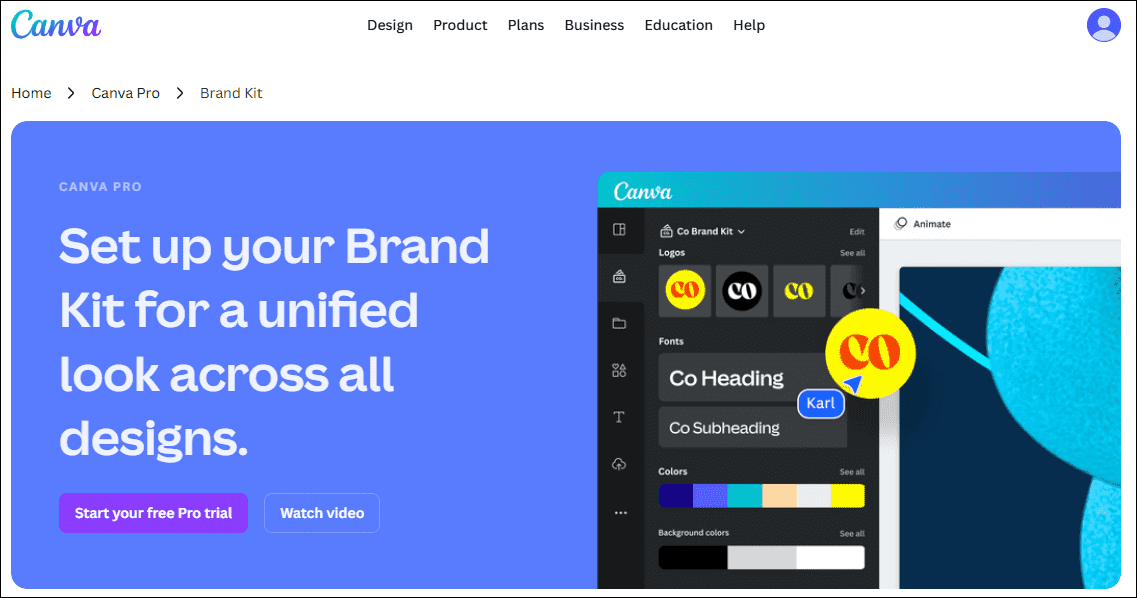
Canva is an online media design tool offering a vast collection of YouTube thumbnails, banners, end screen templates, and other elements. These assets integrate instantly with the built-in brand kit feature. After completing your design, you can easily access brand assets within Canva. Additionally, its sharing functionality supports collaboration with team members.
Clipchamp
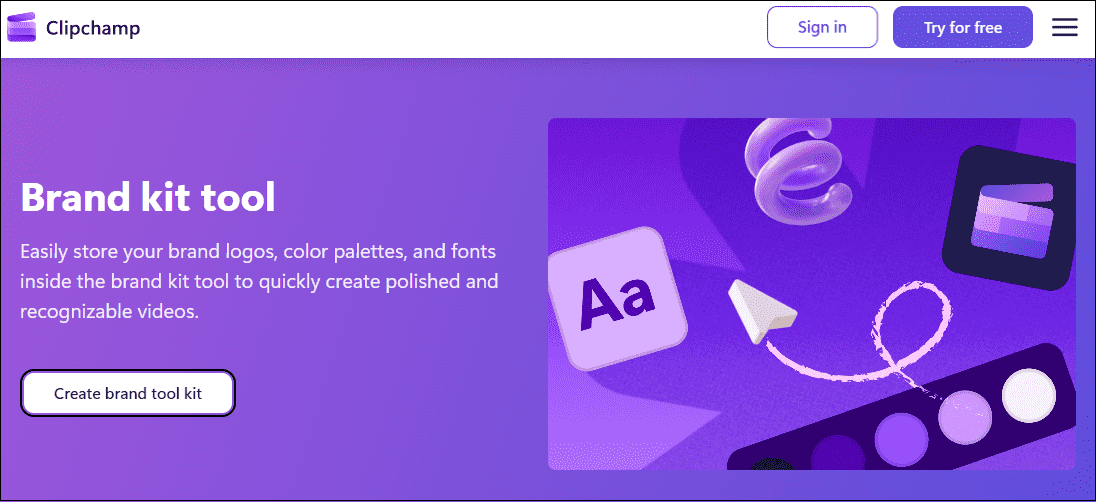
Clipchamp is an easy-to-use brand kit generator for YouTube. It not only provides elements like brand color palettes, logos, and fonts, but also allows users to store their brand kits on the platform, helping them organize and manage their assets. Additionally, creating a brand kit with Clipchamp is incredibly simple; just add your prepared materials, and it automatically generates a complete brand kit.
Conclusion
In short, creating a YouTube brand kit not only strengthens your channel's brand identity but also delivers long-term benefits. If you're planning to build your own brand kit, the detailed production process and recommended creation tools outlined above will guide you through the entire process.
About The Author

Position: Columnist
Jade is an experienced multimedia tech writer who has authored hundreds of guides on screen recording, video editing, and software troubleshooting. Dedicated to bridging the gap between complex technical concepts and user-friendly solutions, she specializes in providing clear, actionable advice.