

Want to easily create your YouTube channel trailer? This article provides a practical guide on how to choose a perfect YouTube channel trailer template. In addition, it also introduces resources for finding high-quality channel trailer templates.
What Is a YouTube Channel Trailer
A YouTube channel trailer is a short video that automatically plays on a channel’s homepage. Unlike regular videos, it is specifically designed for non-subscribers to clearly showcase the channel’s theme and core value proposition. Its primary purpose is to attract new subscribers.
Therefore, a high-quality YouTube channel trailer is essential. It serves not only as a vital tool for boosting audience engagement but also plays a key role in increasing channel subscriptions. However, making a YouTube trailer requires significant effort in gathering materials and production.
This article will provide detailed guidance on selecting YouTube channel trailer templates to help you quickly create your own custom trailer.
How to Choose a YouTube Channel Template
Choosing a channel trailer template isn’t about blindly picking the prettiest or flashiest design. It’s about selecting the one that best aligns with your channel’s unique identity. To easily find the perfect template for you, you can check out the detailed guide below.
#1 Learn the YouTube Channel Trailer Rule in Advance
YouTube channel trailers, like all other videos on the YouTube platform, must comply with the platform’s relevant rules. The following are the specific requirements:
- Format: All formats supported by the YouTube platform, such as MP4, MOV, WMV, etc. For more format requirements, you can visit Google Help.
- Duration: Video length must not exceed three minutes. The recommended optimal duration is 30 to 60 seconds.
- Guidelines and Copyright: Channel trailers must not violate community guidelines or infringe upon any copyrights.
#2 Summarize the Niche and Style of Your Channel
Trailer templates must align with the channel’s theme and style. Before searching for templates, carefully analyze your channel’s niche to determine the desired tone for your trailers. Similarly, the color scheme and fonts within the template should complement your brand identity.
These elements not only extend your YouTube channel’s visual identity system but are also key to effective channel marketing.
#3 Conceptualize Template Layouts
Before searching for suitable templates, planning your layout will help you evaluate the YouTube channel trailer template more efficiently. Consider the following layout factors:
- Opening: Keep the opening brief (10 to 15 seconds) with animations and color schemes that immediately grab attention.
- Theme and Content Introduction: The template should allocate ample time (1 to 2 minutes) for introducing the channel’s theme and content.
- Closing: The trailer template should also include space at the end for embedding a call-to-action and subscription button.
#4 Evaluate Background Music of Channel Template
Many YouTube trailer templates include background music. Before using them, assess whether the music aligns with your channel’s style. If it doesn’t match, confirm whether the template allows background music replacement. However, ensure any replacement music does not infringe on copyright and possesses a commercial use license.
#5 Use the Customize Channel Trailer Template
If you cannot find a trailer template with a suitable layout, you may opt for a customizable template. These templates offer greater creative freedom, helping you craft trailers that better align with your channel’s brand identity.
MiniTool Video ConverterClick to Download100%Clean & Safe
Where to Find High-Quality Channel Template
After identifying the YouTube trailer templates you need to find based on the above guidelines, you may be wondering where to access these resources. This section will recommend 3 platforms where you can search for template resources.
MiniTool MovieMaker
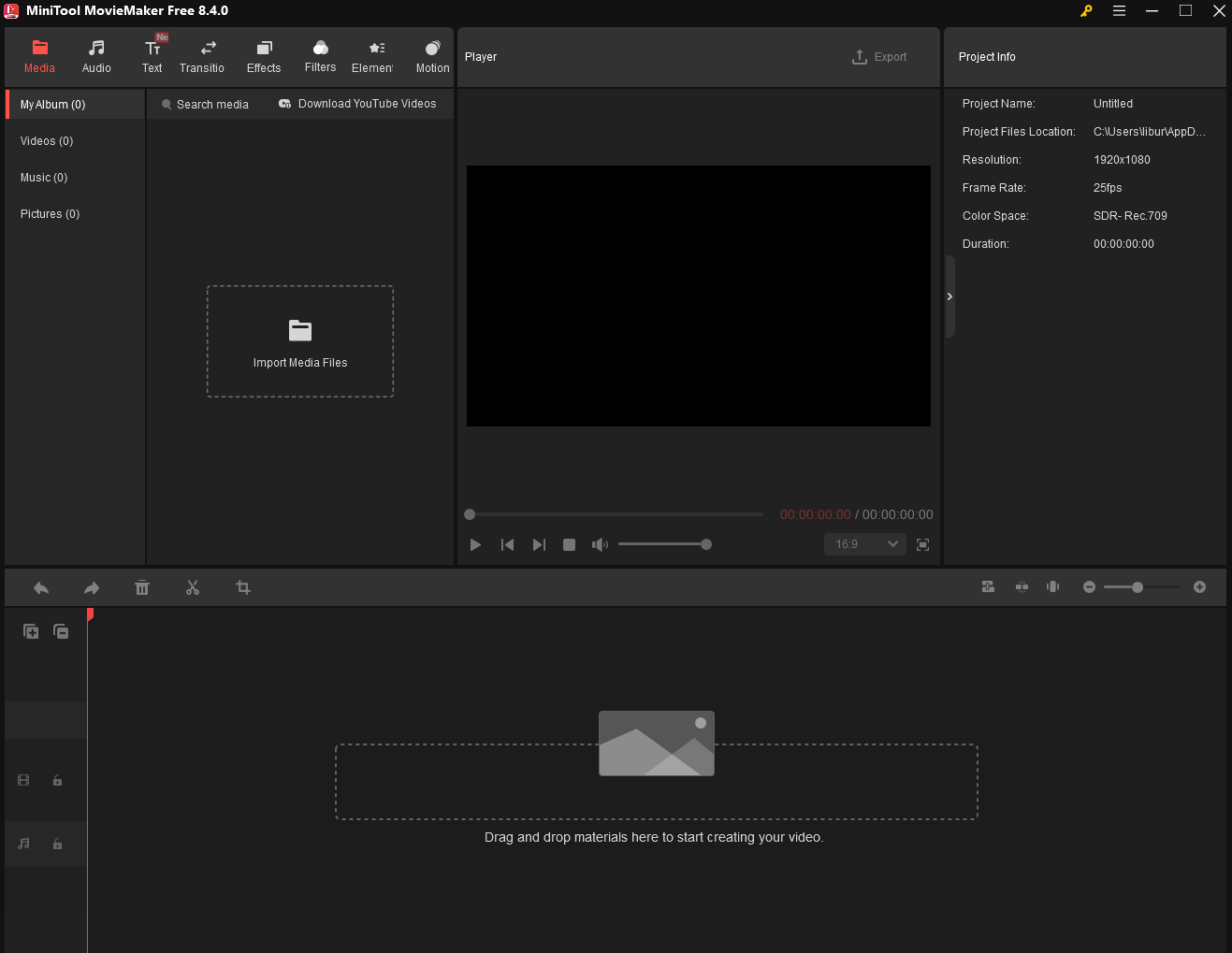
MiniTool MovieMaker is a free and professional media file editing software that both beginners and professionals can master with ease. Beyond its core editing features, the software includes a rich media resource library packed with stunning free trailer templates and assets. You just need to drag and drop your channel videos or images into the interface to start creating freely.
MiniTool MovieMakerClick to Download100%Clean & Safe
Canva
If you prefer not to install any software, you can use the online design tool Canva. This platform offers a vast array of free resources, including YouTube trailer templates, channel banners, thumbnail templates, and more. You can select the template from the top of the page and enter relevant keywords in the search bar to quickly find the materials you need.
Adobe Express
Adobe Express is another trailer template platform worth exploring. Beyond trailer templates, it offers a wealth of additional template resources for your use, including videos, posts, cards, brochures, and more. Therefore, while searching for YouTube channel trailer resources, you can also select other assets to enrich your trailer’s media library.
Final Words
YouTube channel trailers are a key factor in boosting channel subscriptions. While creating trailers requires time and effort, this guide shows you how to choose a YouTube channel trailer template to significantly improve efficiency. Additionally, our recommended template resource platforms can save you time searching for templates.
About The Author

Position: Columnist
Jade is an experienced multimedia tech writer who has authored hundreds of guides on screen recording, video editing, and software troubleshooting. Dedicated to bridging the gap between complex technical concepts and user-friendly solutions, she specializes in providing clear, actionable advice.